
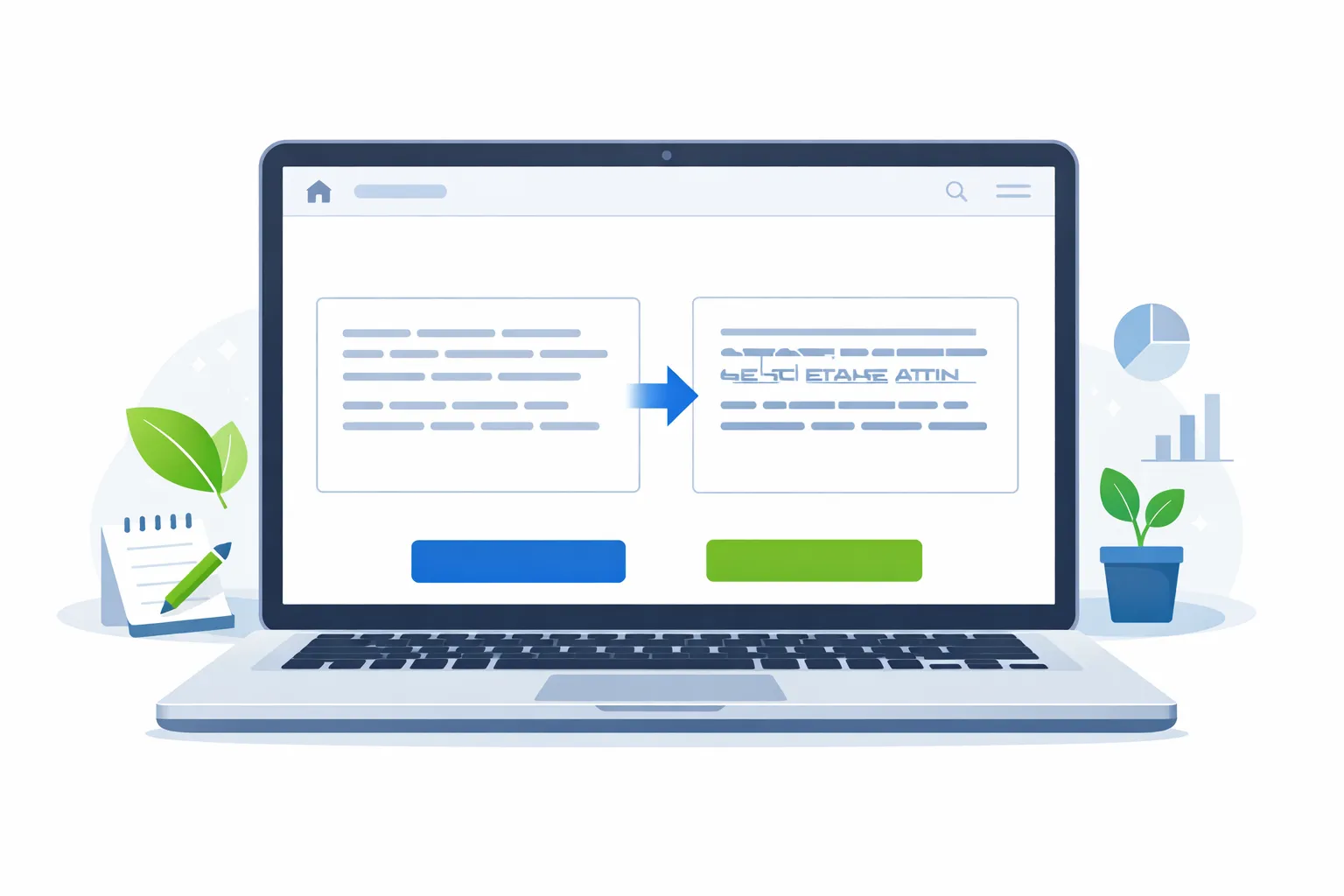
Formatting text sounds simple, but it becomes frustrating when you have large amounts of content to edit. Whether you are a writer, student, developer, SEO expert, or social media manager, changing text manually wastes time.
That’s where a Free Uppercase Converter Online Tool becomes extremely useful.
This tool helps you convert normal text into ALL CAPITAL LETTERS instantly. No downloads. And no sign-ups. No technical skills required. Just paste your text, click one button, and your text is converted.
In this detailed guide, you will learn:
- What an uppercase converter is
- How a free uppercase converter online tool works
- Why do people use uppercase conversion
- SEO benefits of uppercase formatting
- Use cases for writers, developers, and marketers
- Best practices and FAQs
What Is a Free Uppercase Converter Online Tool?
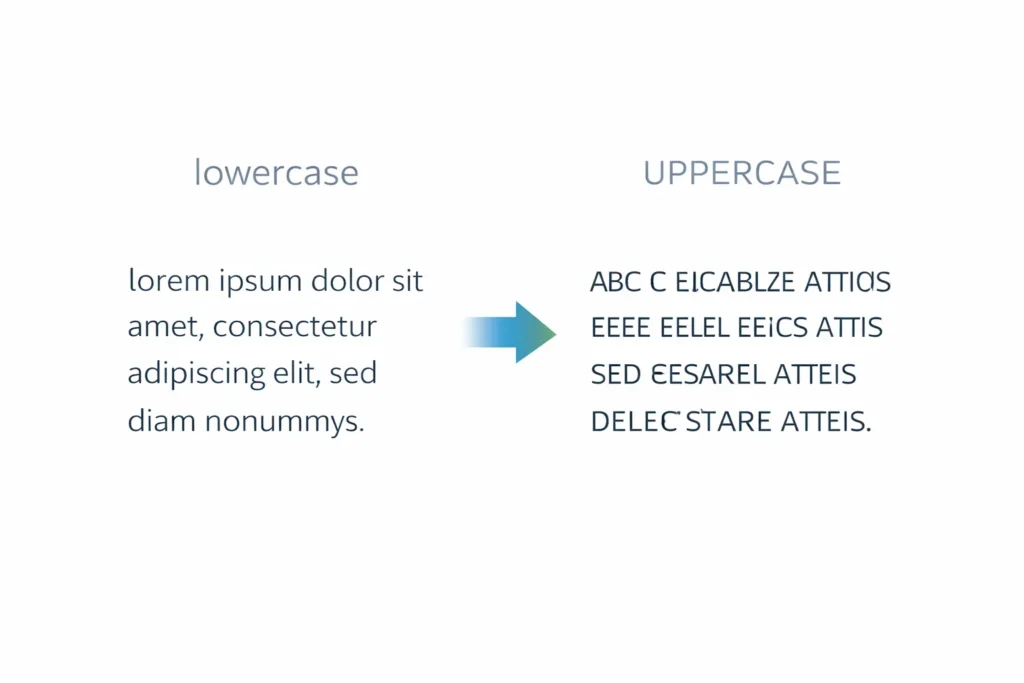
A Free Uppercase Converter Online Tool is a web-based text formatting tool that converts lowercase or mixed text into uppercase (CAPITAL) letters.
Example:
Input:this is a free uppercase converter
Output:THIS IS A FREE UPPERCASE CONVERTER
The tool works instantly and accurately without changing words or meaning—only the letter case.
How Does an Uppercase Converter Work?
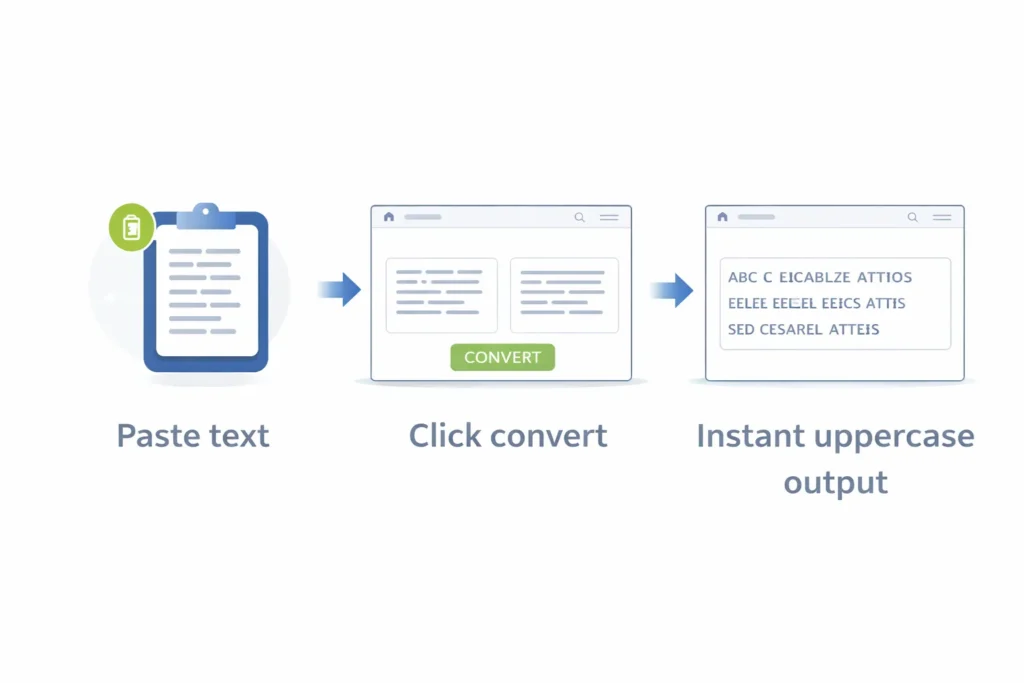
An uppercase converter works using simple text transformation logic.
The process is simple:
- Paste or type your text
- Click the Convert to Uppercase button
- The tool transforms every letter into CAPITAL format
- Copy the converted text and use it anywhere
This process is handled directly in the browser, making it fast and secure.
Why Use a Free Uppercase Converter Online Tool?
There are many reasons why people search for a convert text to uppercase online solution.
Saves Time
Manually converting text is slow and tiring. This tool does the job in seconds.
100% Free
No subscriptions or hidden costs.
No Installation Required
Works directly in your browser.
Accurate Results
No missing characters or formatting issues.
Beginner Friendly
Anyone can use it—no learning curve.
Who Needs an Uppercase Converter?

This tool is used by many professionals daily.
Writers & Bloggers
- Formatting headings
- Emphasizing key phrases
- Styling content quickly
Students
- Formatting assignments
- Creating titles or headings
- Cleaning copied text
Developers
- Converting constants (CONSTANT_CASE)
- Formatting variables
- Cleaning code text
SEO Experts
- Optimizing meta titles
- Testing capitalization styles
- Formatting content for readability
Social Media Managers
- Creating eye-catching captions
- Highlighting offers or announcements
Types of Text Case Conversions (Semantic SEO Section)
A complete text case converter usually supports multiple formats.
Uppercase
ALL LETTERS ARE CAPITAL.
Lowercase
All letters are small.
Sentence Case
Only the first letter of a sentence is capitalized.
Title Case
Each major word starts with a capital letter.
Toggle Case
Switches uppercase to lowercase and vice versa.
Uppercase vs Lowercase – Which Is Better?
Both uppercase and lowercase serve different purposes.
Use Uppercase When:
- You want attention
- Writing headings or warnings
- Formatting constants in code
Avoid Uppercase When:
- Writing long paragraphs
- Improving readability
- Writing body content for SEO
Google prefers readable content, so uppercase should be used wisely.
SEO Benefits of Using Uppercase Correctly
Using uppercase properly can improve content clarity.
SEO Best Practices:
- Use uppercase for CTA buttons
- Avoid ALL CAPS in meta titles and meta descriptions
- Use title case for blog headings
- Maintain readability balance
A Free Uppercase Converter Online Tool helps you test formatting without mistakes.
Is Using Uppercase Good for SEO?
Uppercase itself does not directly improve rankings, but misuse can harm user experience.
Google SEO Guidelines:
- Avoid keyword stuffing in ALL CAPS
- Focus on readability
- Use capitalization naturally
This tool helps you format content professionally.
Why is the Online Uppercase Converter Better Than Software?
Online Tool Benefits:
Faster
No downloads
Works on all devices
Always updated
Lightweight
Desktop software is outdated for simple text formatting.
Common Use Cases of Uppercase Text Generator
- Creating email subject lines
- Writing promotional banners
- Formatting UI labels
- Making disclaimers noticeable
- Converting copied text instantly
Is This Free Uppercase Converter Safe?
Yes.
A reliable free uppercase converter online tool:
- Does not store data
- Works locally in your browser
- Requires no login
- Keeps your text private
Always use trusted tools.
How to Convert Large Text to Uppercase Online?
Follow these steps:
- Copy your large text
- Paste into the uppercase converter
- Click convert
- Copy the output
Even 10,000+ characters convert instantly.
Uppercase Converter for Developers
Developers frequently use uppercase conversion.
Examples:
api_key→API_KEYconstantValue→CONSTANTVALUE
This improves code consistency and readability.
Why This Tool Is Better Than Manual Editing
Manual editing causes:
Errors
Missed letters
Wasted time
Automated tools guarantee accuracy.
Conclusion
A Free Uppercase Converter Online Tool is an essential utility for anyone working with text daily. It saves time, improves accuracy, and helps format content professionally.
Whether you are writing blogs, coding, managing SEO, or posting on social media, this tool makes text conversion effortless.
Use it wisely, follow SEO best practices, and keep your content readable and user-friendly.
Faqs
It is a web-based tool that converts normal text into capital letters instantly without cost or registration.
Yes. Most online uppercase converters are completely free and offer unlimited use.
Excessive use of uppercase can reduce readability. Use it strategically for headings and emphasis only.
Yes. Most tools also include an option to convert uppercase to lowercase.
The best tool is fast, free, accurate, secure, and easy to use—exactly what this tool offers.
Yes. Online uppercase converters work perfectly on mobile devices.