
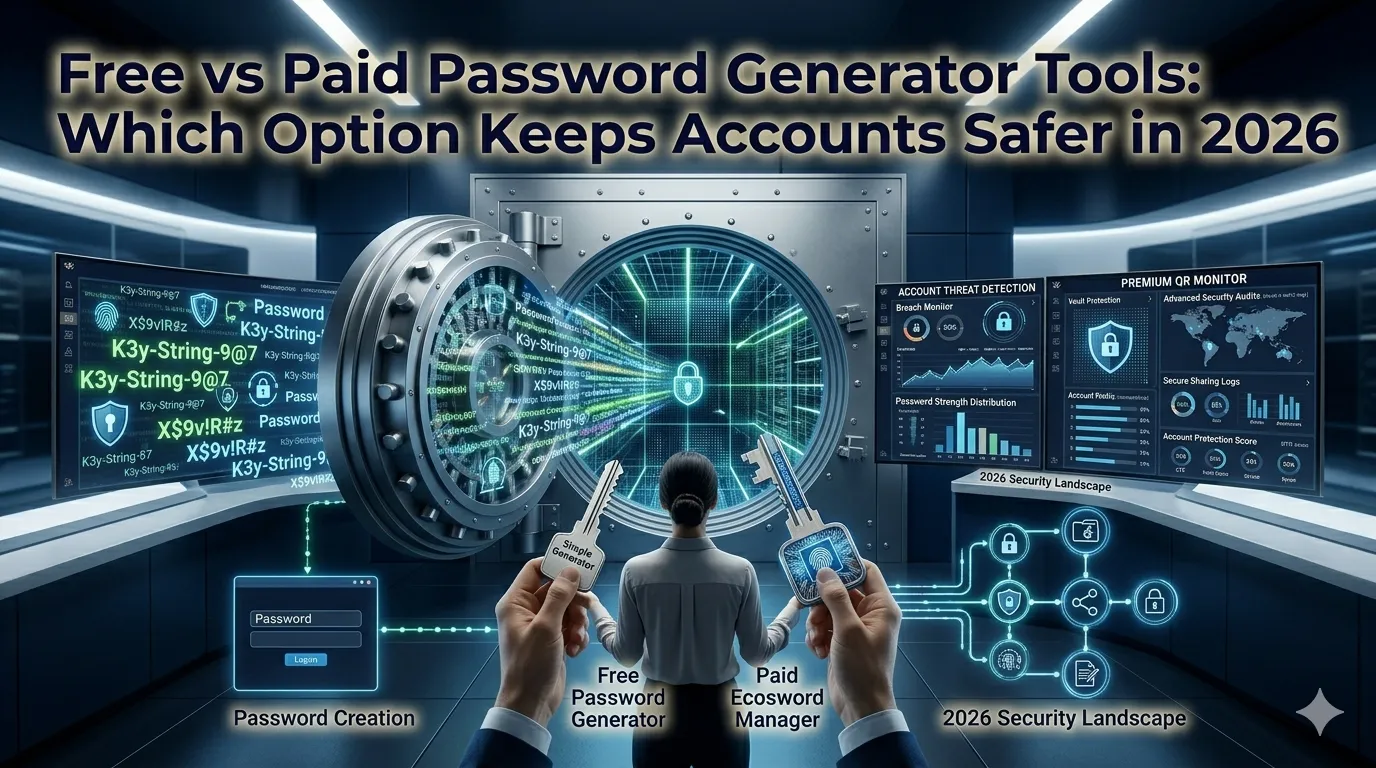
Account breaches happen daily and weak passwords stay the easiest path. Comparing free vs paid password generator options helps you protect every login without overspending. This guide walks beginners through every step needed to choose the right approach for personal and team security.
Premium password managers bundle generators with vaults, sharing, and audits. Free generators handle the core task brilliantly when paired with smart storage. The right comparison keeps security strong and budgets sensible.
Why this comparison matters for every household
Strong unique passwords block credential stuffing and brute force attacks. The right tool encourages reliable habits across every account.
Families share streaming and banking accounts that need protection. Additionally, small teams onboard new contributors without leaking secrets. Such variety supports honest comparison whether you guard one account or hundreds.
Common scenarios worth comparing both options
Several security situations call for a quick evaluation. Recognize them before opting into a paid subscription.
- Setting up new accounts after a credential leak
- Rotating passwords inside compliance-driven workplaces
- Creating unique credentials for shared family services
- Onboarding new freelancers with secure passwords
- Generating temporary tokens for trusted partners
- Locking down personal devices following major life events
Step-by-step process to compare password tools
Follow this sequence whenever subscription quotes arrive. Each step protects security and budget.
List the accounts you protect
Inventory the services that demand strong passwords today. Note any sharing, billing, or compliance requirements. Save the inventory inside a private notes app.
Test both options against your workflow
Generate sample passwords through free and paid tools alike. Confirm whether the output meets your length and complexity rules. Save the comparison inside the same notes file.
Evaluate storage and sharing
Decide whether your team needs vault sharing or audit trails. Many free generators pair with browser password managers safely. Document any premium feature you truly use.
Best practices for sustainable password hygiene
Beyond the generator, supporting routines harden every account. Apply them every quarter.
Enable two-factor authentication on every critical service. Audit shared accounts during quarterly security reviews. Document recovery plans inside your secure handbook.
| Factor | Free Generator | Paid Manager |
|---|---|---|
| Cost | Zero | Per-user fee |
| Vault sharing | Browser only | Team support |
| Audit logging | Limited | Detailed reports |
| Cross-device sync | Browser-based | Native apps |
Tools that simplify the entire workflow
Many free generators feed straight into browser password managers. Bookmark a favorite to keep account creation effortless. Premium suites still help compliance-heavy teams.
Try our Password Generator directly inside your browser without sign-up. Need to verify file integrity too? Pair it with the Hash Generator for secure transfers. Security pros also love combining it with the UUID Generator.
Common mistakes beginners should avoid
Several pitfalls trip up new buyers. Watch out for these traps before contracts go live.
- Forgetting to pair generators with strong storage
- Ignoring two-factor authentication despite premium hype
- Sharing master passwords through email or chat
- Trusting one device for credential management long-term
- Skipping policy training during onboarding sessions
When premium suites still earn their keep
Teams managing regulated data benefit from premium managers with detailed audits. Confirm those features actually match daily workflows. Otherwise free generators meet most personal and small-team needs.
Pair the workflow with our SSL Checker when verifying transport security. Steady comparison, honest scoring, and documented decisions turn password security into manageable detail. Each evaluation supports the next safer login.