
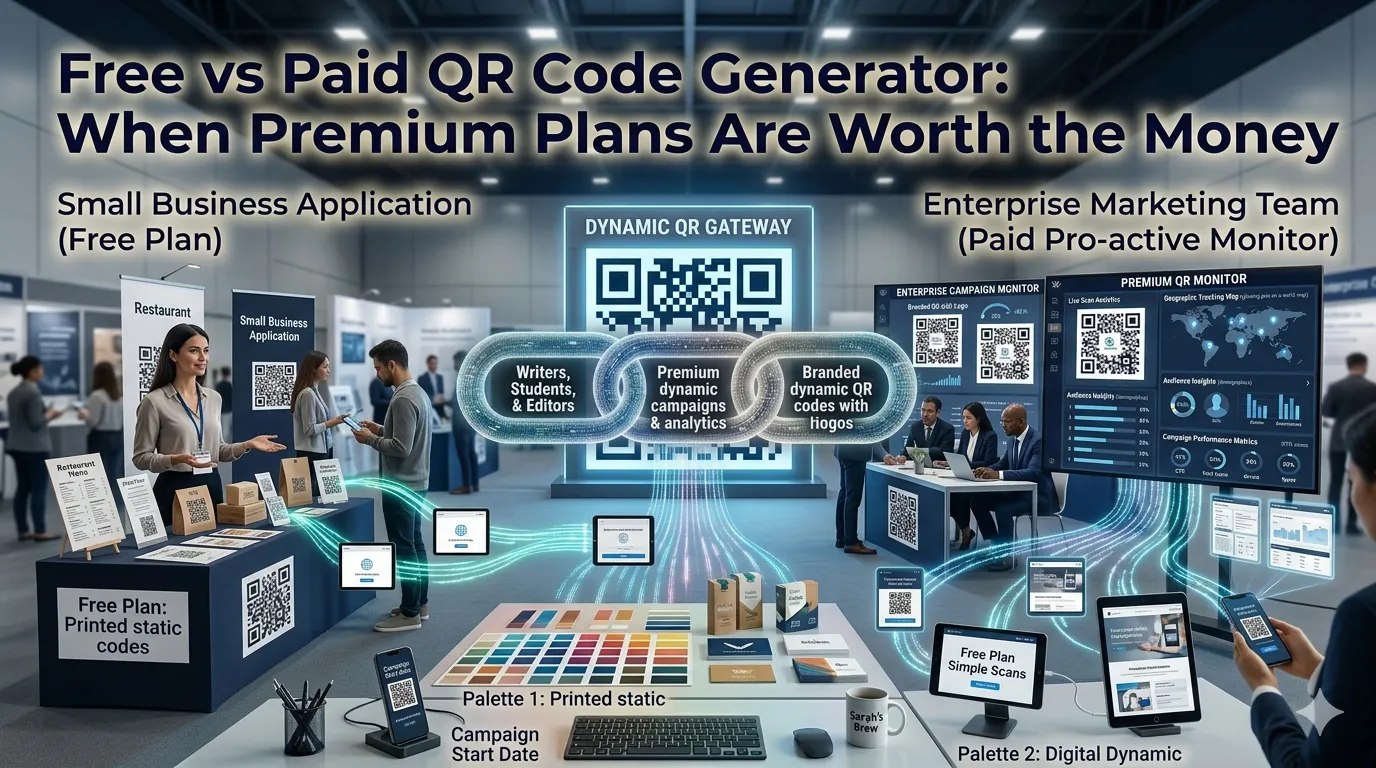
QR codes connect printed materials with digital experiences for every business size. Comparing free vs paid QR code generator options reveals which features small teams really need. This guide walks beginners through every step needed to pick the right tool without wasting marketing dollars.
Paid plans promise dynamic codes and analytics dashboards. Free generators ship static codes instantly with no commitment. The right comparison matches features to actual goals.
Why this comparison matters for marketers
Marketers track campaign performance closely to justify spend. Static QR codes work great for permanent destinations like menus.
Event organizers use dynamic codes to swap destinations during live programs. Additionally, sales teams brand codes with logos to reinforce identity. Such variety demands honest comparison whether campaigns are tiny or massive.
Common scenarios that demand careful comparison
Several marketing situations call for a quick evaluation. Recognize them before signing a paid plan.
- Printing menus that link to weekly specials
- Tracking direct mail campaign performance
- Sharing Wi-Fi credentials at events without typing
- Branding business cards with quick contact codes
- Routing trade-show visitors to interactive demos
- Updating event QR codes during live programs
Step-by-step process to compare QR generators
Follow this sequence whenever a marketing campaign needs QR codes. Each step keeps decisions data-driven.
Decide between static and dynamic
Static codes never change their destination. Dynamic codes let you redirect later without reprinting. Match the choice to the campaign duration.
Test the brand styling options
Generate codes inside both options and inspect quality at print size. Confirm logos remain readable when scanned. Save the best version inside your design library.
Evaluate analytics needs
Free vs paid QR code generator: decide whether you need scan counts, geo data, or device breakdowns. Many free tools partner with link shorteners that provide basic insights. Document the decision inside campaign briefs.
Best practices for sustainable QR campaigns
Beyond the generator, supporting routines keep campaigns reliable. Apply them every print run.
Test scan reliability across multiple phones before mass printing. Document the destination inside campaign briefs. Refresh QR codes whenever brand assets change significantly.
| Factor | Free Generator | Paid Generator |
|---|---|---|
| Cost | Zero | Subscription |
| Dynamic links | Limited | Standard feature |
| Analytics | Partner with shortener | Built-in dashboard |
| Branding | Basic logos | Pixel-perfect design |
Tools that simplify the entire workflow
Many free tools meet daily marketing needs perfectly. Bookmark a favorite for every print job. Paid suites still help enterprise events with detailed tracking.
Try our QR Code Generator directly inside your browser without sign-up. Need to keep destination links tidy? Pair it with the URL Shortener for branded codes. Marketers also love combining it with the Open Graph Generator for matching social previews.
Common mistakes beginners should avoid
Several pitfalls trip up new marketers. Watch out for these traps before printing.
- Printing codes too small for reliable scanning
- Using dynamic codes from providers that may shut down
- Forgetting to test on multiple operating systems
- Skipping fallback URLs that protect against tool downtime
- Trusting one campaign without analytics for future planning
When premium plans still earn their keep
Enterprise teams need dynamic codes with strict SLA support. Confirm those features actually justify monthly fees. Otherwise free generators meet most marketing needs.
Pair the workflow with our Meta Tag Generator when QR codes lead to optimized landing pages. Steady comparison, careful testing, and brand-aware design turn QR campaigns into manageable detail. Each code supports the next confident impression.