
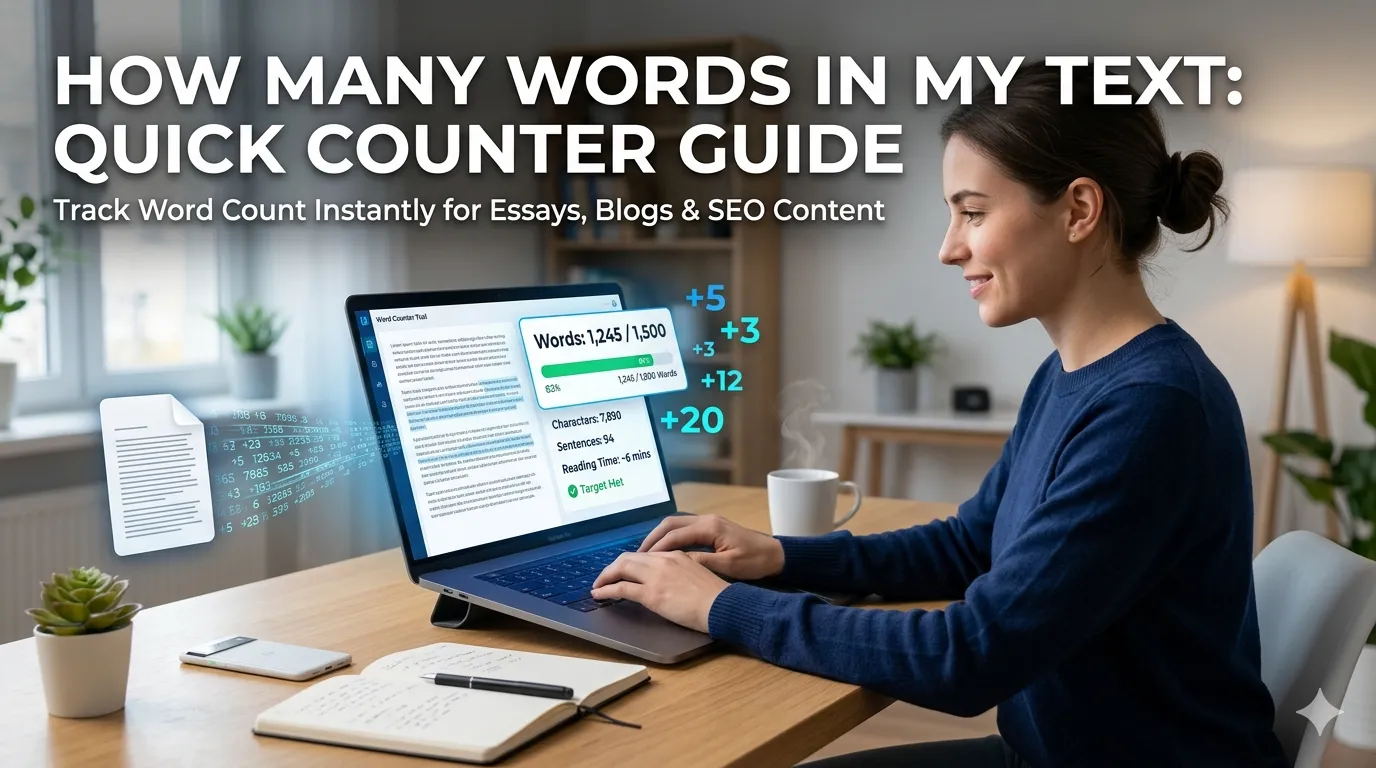
Wondering “how many words in my text” before you submit an essay, blog post, or marketing copy? You’re tapping into one of the most essential writing checks. Word counts shape essays, social media posts, SEO content, and academic work. Online counters deliver instant results without any installations.
This guide walks through the easiest method, explains common word count requirements, and shares pro tips for writing within limits. By the end, you’ll handle word counts effortlessly across any writing project.
Why Word Counts Matter So Much
Word counts shape everything in writing. Essays have minimum requirements. Tweets cap at 280 characters but track words too. SEO articles target specific lengths. Academic papers demand precise counts. Marketing copy fits ad platforms with strict limits.
Furthermore, professional writers track productivity through word counts. Daily targets motivate creative output. Editing goals shrink bloated drafts. Counting words turns vague writing goals into measurable progress.
Common Word Count Scenarios
- College essays requiring 500, 1000, or 2500 words
- Blog posts targeting SEO-optimal lengths
- Social media captions fitting platform limits
- Email newsletters meeting subscriber expectations
- Resume sections balancing brevity with detail
- Book chapters maintaining consistent pacing
Step-by-Step: Count Words Online
Browser-based word counters work instantly.
Step 1: Visit the Counter
Visit our Word Counter. The tool loads instantly without signup requirements.
Step 2: Paste Your Text
Paste content into the text area. The counter updates live as you type or paste. Watch numbers tick up in real time. Most tools also show character count, sentence count, and reading time alongside word totals.
Step 3: Check Your Counts
Compare against your requirement. Trim or expand as needed. Many counters also flag overused words or readability metrics that help polish your final draft.
Recommended Word Counts by Use Case
| Content Type | Optimal Word Count |
|---|---|
| Blog post (SEO) | 1500-2500 words |
| College essay | 500-1500 words |
| Email newsletter | 200-500 words |
| Social media post | 50-150 words |
| Resume summary | 40-80 words |
| Product description | 100-300 words |
Tips for Hitting Word Count Targets
Smart habits keep writing on track. First, draft freely without watching the counter. Polish for length afterward. Constant counting breaks creative flow.
Second, edit for clarity first. Then check word count. Tight writing often beats verbose writing even when assignments demand specific lengths. Third, use counters during final review to catch missed targets before submission.
Combining Word Counter With Other Tools
Word counters pair well with other text tools. Check character counts using our Character Counter for platform-specific limits. Convert case via our Text Case Converter for branding consistency.
For placeholder text, generate samples via our Lorem Ipsum Generator. Each tool serves writers and editors at different workflow stages.
Privacy When Counting Sensitive Text
Sometimes you count confidential drafts. Pick word counters processing text in your browser. Content stays on your device, never reaching third-party servers during counting.
Read each tool’s privacy policy first. Reputable counters don’t log or store pasted content. Browser-based counters perform calculations locally, keeping drafts completely private.
When Word Counts Don’t Tell the Whole Story
Hitting word counts doesn’t guarantee quality. Bloated writing pads numbers without adding value. Tight writing sometimes falls short of targets. Quality always matters more than hitting exact length requirements.
Use word counts as guidelines, not absolute rules. Focus on clear communication first. Then adjust length to meet practical requirements without sacrificing what makes writing actually effective.
Track Every Word You Write
Word counts shape every writing project. With the right counter, hitting target lengths takes seconds. Whether for essays, blog posts, or marketing copy, smart counting keeps your writing on track and on target.
Try our Word Counter today. Free, secure, and ready whenever your writing needs an accurate length check.