
Have you ever visited a website and wondered who actually owns it? Maybe you want to buy the domain, report a scam, or pitch a business idea. Knowing how to find who owns a domain name is a useful skill for marketers, founders, and curious internet users alike.
Thankfully, the process is simple, free, and completely legal. With the right tools, you can uncover the registrant name, company, country, and contact details in seconds.
In this complete guide, you will learn the easiest ways to identify domain ownership, why this information matters, and what to do when the details are hidden.
What Does It Mean to Find Who Owns a Domain Name?
Every domain on the internet is registered through a domain registrar. When someone buys a domain, the purchase gets recorded in a public database called Whois.
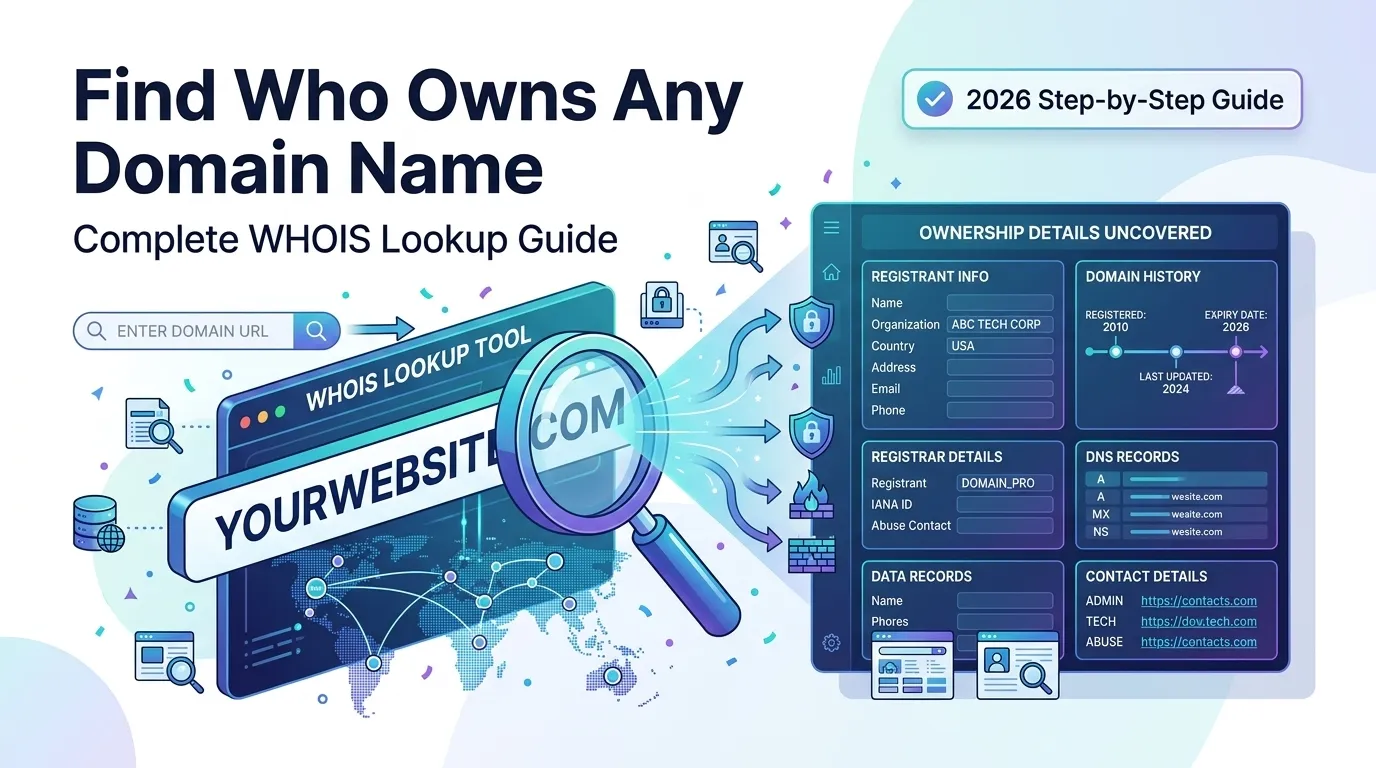
The Whois record stores key details such as:
- Registrant name and organization
- Email and phone number
- Registration and expiry dates
- Domain registrar
- Name servers
So, “finding who owns a domain name” simply means reading this Whois record. It reveals who legally controls the domain at any point in time.
Why Should You Look Up Domain Ownership?
There are many honest and useful reasons to identify domain owners. Some common ones include:
- Buying an expired or unused domain for your business
- Investigating scams or fraudulent websites
- Reporting trademark abuse or impersonation
- Pitching partnerships, sponsorships, or guest posts
- Performing competitor research during SEO audits
In short, this lookup helps you make smarter business and security decisions online.
How to Find Who Owns a Domain Name in 4 Easy Steps
Below is the simplest method that works for almost any website on the internet.
Step 1 — Use a Free Whois Lookup Tool
Start by visiting a reliable Whois Lookup tool. Paste the domain and click search. Within seconds, the tool fetches the registration record from public databases.
You do not need to install anything or sign up. The whole process runs in your browser and stays completely free.
Step 2 — Read the Whois Record Carefully
Once the record loads, focus on the most important fields:
- Registrant name and organization
- Country and address
- Registrar name (e.g., GoDaddy, Namecheap)
- Creation and expiry date
- Email and phone (if not hidden)
Together, these fields reveal who controls the domain and for how long they have owned it.
Step 3 — Look for Hidden Owner Clues
Sometimes the owner uses Whois privacy protection. In that case, the registrant info shows the privacy provider instead of a real person.
However, you can still gather useful clues from:
- The registrar
- The registration country
- The name servers
- The hosting provider
For deeper insight, try our Reverse IP Lookup to discover other websites hosted on the same server.
Step 4 — Contact the Domain Owner
If the contact details are visible, you can email or call the owner directly. When they are private, send your inquiry through the registrar’s contact relay form.
Always stay respectful and clear about your purpose. Most owners ignore vague or pushy messages.
Why Whois Information Is Sometimes Hidden
Many domains today use a service called Whois privacy or “domain privacy”. This service masks personal info to protect owners from spam, scams, and identity theft.
GDPR also limits how much public Whois data registrars can show for European domains. Therefore, you may not always see complete details, but the lookup still gives you valuable clues.
Best Free Tools to Identify Domain Ownership
You do not need a paid subscription. The following free tools work great for everyday use:
| Tool | Best For |
|---|---|
| Smart SEO Toolz Whois Lookup | Quick owner info |
| ICANN Lookup | Global registry data |
| DomainTools | Historical Whois records |
| Smart SEO Toolz Domain Age Checker | Domain history |
For deeper SEO research, you can combine results with our Domain Age Checker and Domain Authority Checker tools.
How to Reveal Owners Behind Whois Privacy
Although privacy services hide names, you can still investigate further. Try these legal methods:
- Search the domain on LinkedIn, Twitter, or Facebook
- Inspect the website footer or About page
- Check the SSL certificate for organization details
- Use our Domain Hosting Checker and reach out to the host
- Open the Wayback Machine to view older website versions
These methods often surface the brand or person behind the site.
Legal Tips Before Contacting a Domain Owner
Before reaching out, always remember:
- Do not spam the owner with repeated emails
- Avoid threats or harsh language
- Respect their right to privacy
- Save records of your communication
Following these rules keeps your outreach professional and safe.
How Often Should You Run a Whois Lookup?
If you buy domains, run SEO audits, or monitor competitors, perform a Whois lookup whenever:
- A domain expires soon
- A new competitor enters your niche
- You receive a suspicious email
- You see a spam or phishing link
Regular checks help you stay informed and proactive.
Common Mistakes People Make During Whois Lookups
Many beginners make small but costly mistakes during Whois lookups. Here are the top ones to avoid:
- Trusting outdated cached data
- Believing Whois privacy means the domain is unsafe
- Ignoring registrar information
- Forgetting to check related domains
- Skipping an online virus scan before contacting owners
By understanding these pitfalls, you make better decisions every time.
Final Thoughts
Learning how to find who owns a domain name puts you ahead in business, SEO, and online safety. It takes only a few seconds and gives you valuable insights you simply cannot get any other way.
So, the next time you spot an interesting website or want to investigate a suspicious link, run a quick Whois check. With our free Whois Lookup tool, you get answers instantly without sign-ups or downloads.
Start exploring today and take full control of your domain research.
FAQs
Use a free Whois Lookup tool. Just enter the domain to see registration details instantly.
Yes, many domains use Whois privacy services to legally hide personal info.
Yes, Whois data is publicly available, so checking it is completely legal.
Many registrars hide information due to GDPR rules or paid privacy protection services.
It is usually accurate, but private registrations can make some fields unreadable.
Yes, most registrars offer a contact form that forwards your message safely.
Whois records update each time a domain is renewed, transferred, or modified.