
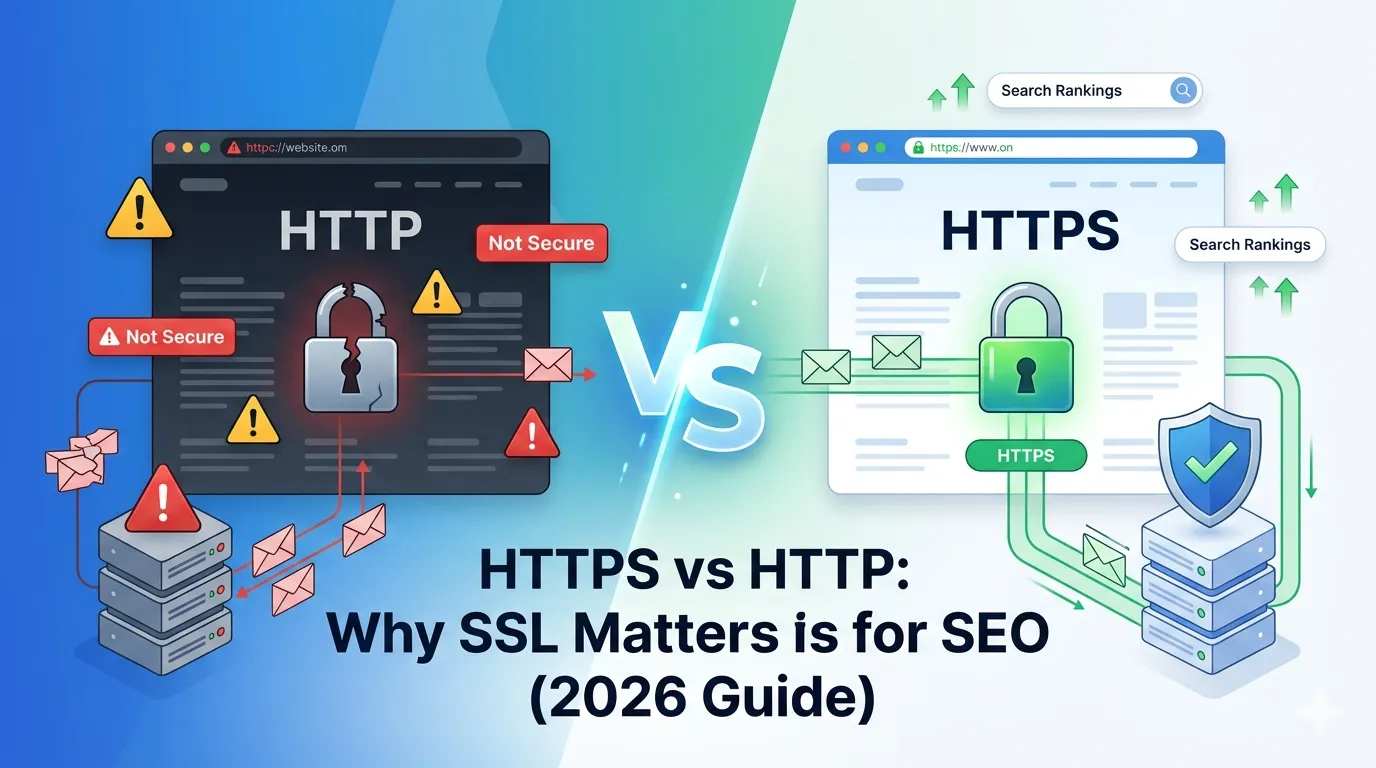
Every website today must choose: stay on HTTP or upgrade to HTTPS. Although both look similar, only one actually keeps users safe and ranks higher on Google. So in the battle of HTTPS vs HTTP, who really wins in 2026?
The short answer is simple — HTTPS wins, by a wide margin. It encrypts data, builds trust, and gives your site a real SEO advantage. Yet, many websites still hesitate or get the migration wrong.
This complete guide compares HTTPS vs HTTP, explains why SSL is now essential, and shows how to switch over safely without losing rankings.
What Is HTTP?
HTTP stands for HyperText Transfer Protocol. It is the original way browsers and servers communicate to load websites. However, HTTP sends data in plain text, which means anyone in between can read it.
So, if a user submits a password, credit card number, or login form over HTTP, that data can be intercepted easily.
What Is HTTPS?
HTTPS stands for HyperText Transfer Protocol Secure. It is the same protocol as HTTP, but with one major upgrade — SSL/TLS encryption. The data between browser and server gets scrambled, so no one can read it without the right key.
That is why modern browsers like Chrome and Edge now mark non-HTTPS sites as “Not Secure”.
HTTPS vs HTTP: Quick Comparison Table
| Feature | HTTP | HTTPS |
|---|---|---|
| Encryption | No | Yes (SSL/TLS) |
| Security | Low | High |
| SEO Ranking | Negative | Positive |
| Browser Label | Not Secure | Secure padlock |
| Trust Level | Low | High |
| Speed (HTTP/2) | Slower | Faster |
So, in every category that matters in 2026, HTTPS clearly wins.
Why SSL Matters for SEO
Google confirmed HTTPS as a ranking signal back in 2014. Since then, the role of SSL in SEO has grown even more. Here is how it impacts your rankings today:
1. Direct Ranking Boost
HTTPS sites get a small but consistent ranking edge over HTTP competitors.
2. Better User Trust
The padlock icon increases trust, which improves click-through rate, dwell time, and conversions.
3. Reduced Bounce Rate
Users instantly leave “Not Secure” sites. So HTTPS keeps your visitors engaged longer.
4. Required for Modern Features
Web push notifications, geolocation, and PWAs require HTTPS to even work.
5. Better Page Speed With HTTP/2
HTTPS unlocks HTTP/2 and HTTP/3, both far faster than older HTTP/1.1.
What Browsers Show for HTTP vs HTTPS
Browser signals matter more than you think. They directly influence how users perceive your site:
- HTTP: “Not Secure” warning in the address bar
- HTTPS: Padlock icon and green or neutral status
- Expired SSL: “Your connection is not private” full page warning
So, even one negative signal can lose you customers in seconds.
When HTTP Was OK and Why It No Longer Is
A decade ago, HTTP was fine for simple blogs and static pages. SSL certificates were also expensive and tricky to install.
Today, everything has changed. SSL is free, easy, and supported by every host. Plus, Google, Apple, and Mozilla now warn users away from non-HTTPS sites. Therefore, sticking to HTTP is no longer practical.
How to Migrate From HTTP to HTTPS Safely
Migrating to HTTPS is simple if you plan well. Follow these proven steps to protect your traffic and rankings.
Step 1 — Get an SSL Certificate
Choose a free SSL (Let’s Encrypt) or paid certificate from a trusted CA. Most hosts now install SSL in one click.
Step 2 — Install and Activate SSL
Use cPanel, Plesk, or your hosting dashboard to install and enable SSL on your domain.
Step 3 — Force HTTPS Redirects
Set up 301 redirects from HTTP to HTTPS using our Htaccess Redirect Generator. This protects link equity and SEO rankings.
Step 4 — Update Internal Links
Replace any “http://” links in your menus, footer, and database with the HTTPS version.
Step 5 — Update Sitemaps and Tools
Submit a new sitemap in Google Search Console and update tracking tools like GA4 to the HTTPS version.
Step 6 — Verify Everything Works
Run a final check with our free SSL Checker and Redirect Checker to confirm secure delivery.
Common HTTPS Migration Mistakes
Many SEO disasters happen because of small mistakes during migration. Avoid these top errors:
- Forgetting to add 301 redirects
- Mixed content (HTTP images, scripts, or CSS)
- Old internal links still pointing to HTTP
- Missing HTTPS sitemap submission in Search Console
- Skipping canonical tag updates
Fixing these prevents ranking drops, broken layouts, and SEO penalties.
Does HTTPS Slow Down Your Website?
This is one of the biggest myths in SEO. Years ago, SSL did add a tiny delay. Today, HTTPS is actually faster — thanks to HTTP/2, HTTP/3, and modern TLS.
So, HTTPS not only protects users but also improves speed metrics. Pair it with our Page Speed Test to confirm the boost.
HTTPS Benefits Beyond SEO
- Protects user privacy from network sniffing
- Increases conversion rates by 5–15%
- Required for AdSense and ad networks
- Enables compliance with GDPR and CCPA
- Builds long-term brand credibility
In short, HTTPS is a complete win for users, business, and SEO.
Tools to Help Your HTTPS Migration
Make migration smooth with these free, beginner-friendly tools:
- SSL Checker — verify SSL validity and expiry
- Redirect Checker — confirm 301 redirects
- Htaccess Redirect Generator — create safe HTTPS redirects
- Broken Link Checker — fix old HTTP links
Used together, these tools cover every step of a safe, SEO-friendly migration.
Final Thoughts
In 2026, the HTTPS vs HTTP debate is officially over. HTTPS protects your visitors, satisfies Google’s ranking signals, and makes your site faster, safer, and more trustworthy.
If your site still runs on HTTP, do not wait — switch today. Start with our free SSL Checker to test your current setup and identify any issues before they cost you rankings.
FAQs
HTTP sends data in plain text, while HTTPS encrypts it using SSL/TLS to protect privacy and security.
Yes. Google confirmed HTTPS as a ranking signal, so HTTPS sites have a small but real SEO advantage.
No. With HTTP/2 and HTTP/3, HTTPS is now faster than HTTP in most modern environments.
Yes. Let’s Encrypt offers free SSL certificates supported by almost every modern hosting provider.
No, if you migrate correctly. Use 301 redirects and update internal links to preserve rankings.
Mixed content happens when an HTTPS page loads HTTP images, scripts, or files. It breaks security and causes warnings.
Yes. Every modern site needs HTTPS for security, SEO, browser trust, and access to features like push and PWAs.