
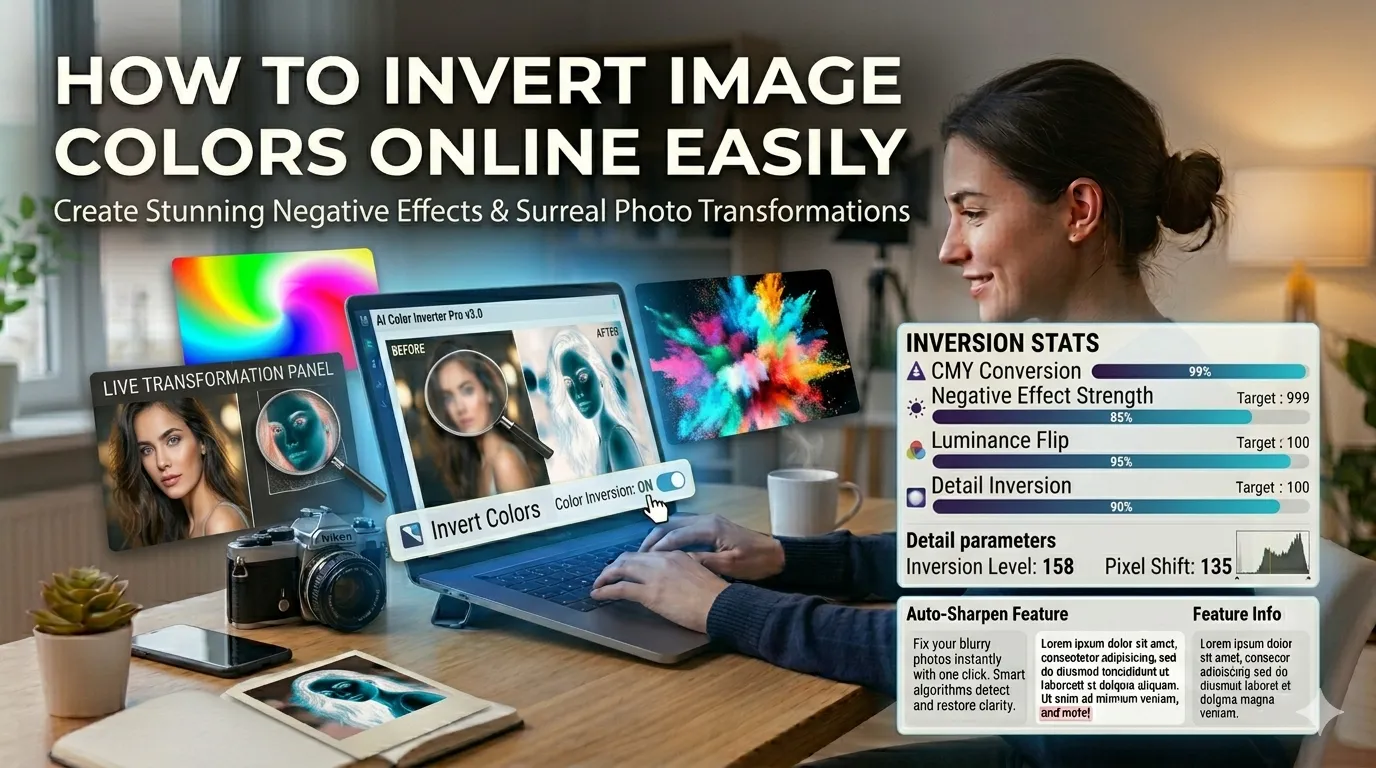
Want to invert image colors online for creative effects, scientific imaging, or accessibility purposes? You’re tapping into one of the simplest yet most striking photo transformations available. Color inversion flips every pixel to its opposite, producing dramatic visual results in seconds.
This guide walks through the easiest method, explores creative applications, and shares pro tips for striking results. By the end, you’ll handle color inversion like a designer or scientist.
Why Invert Image Colors at All?
Color inversion creates instant visual drama. Bright whites become deep blacks. Sky blues turn warm oranges. Skin tones shift to alien hues. The transformation produces eye-catching art that grabs attention in any feed.
Furthermore, inversion serves practical purposes. Photographers invert images to spot subtle defects. Scientists use it for X-ray and medical imaging analysis. Accessibility tools invert pages for users with light sensitivity.
Common Color Inversion Uses
- Creating surreal art for social media
- Analyzing X-ray and medical scans
- Designing dark mode versions of light images
- Spotting subtle photo flaws through inverted contrast
- Creating film negative effects from positive photos
- Producing high-impact graphic design pieces
Step-by-Step: Invert Colors Online
Browser-based color inverters handle the work in seconds. No design software needed.
Step 1: Upload Your Image
Visit our Color Inverter. Drag your photo into the upload zone. JPG, PNG, and WebP formats all work without issues.
Step 2: Apply Inversion
Click invert. Every pixel transforms to its color opposite. Black becomes white. Red becomes cyan. Blue becomes orange. The whole photo instantly takes on a surreal appearance.
Step 3: Download the Inverted Image
Save the result as PNG or JPG. Use it for creative projects, scientific analysis, or accessibility-focused designs. The inverted image works as a starting point for further creative editing.
Understanding Color Inversion Math
| Original Color | Inverted Color |
|---|---|
| Black (0, 0, 0) | White (255, 255, 255) |
| White (255, 255, 255) | Black (0, 0, 0) |
| Red (255, 0, 0) | Cyan (0, 255, 255) |
| Green (0, 255, 0) | Magenta (255, 0, 255) |
| Blue (0, 0, 255) | Yellow (255, 255, 0) |
Creative Applications of Inversion
Smart designers use inversion creatively. First, create high-contrast posters from regular photos. Second, design dark mode versions of light-themed graphics. Third, transform black and white photos into striking film negatives that feel like vintage scientific records.
Combine inversion with other effects for unique results. Pair with our Photo Filter for filtered negatives. Apply our Photo Blur over inverted backgrounds for dreamy artistic compositions.
Common Color Inversion Issues
- Skin tones look alien: Expected; inversion always produces unusual hues
- Dark images become bright: Plan composition with inversion in mind
- Text becomes hard to read: Invert backgrounds only, keep text overlay separately
- Photos lose realism: Inversion is artistic, not documentary
- Color profiles shift unexpectedly: Stick to standard sRGB sources
Inversion for Accessibility
Color inversion serves accessibility needs. Users with light sensitivity benefit from dark backgrounds and light text. Inverting page elements provides instant relief from screen glare.
For website design, offer inverted versions of graphics for dark mode themes. Many users now expect dark mode options. Pre-inverting key images saves you from creating separate dark assets manually.
Privacy When Inverting Personal Photos
Photos often carry personal value. Pick color inversion tools processing files in your browser. Images stay on your device throughout the transformation.
Read each tool’s privacy policy first. Reputable services delete uploads within an hour. Avoid platforms requiring permanent account creation for one-off color manipulation tasks.
Combining Inversion With Other Tools
Inversion fits broader creative workflows. Crop tightly first using our Image Cropper for focused subjects. Apply filters before inverting using our Photo Filter for unique combinations.
For final delivery, compress with our Image Compressor. Each tool fits a specific creative step in striking visual production.
When Inversion Doesn’t Fit
Documentary photography rarely benefits from inversion. Editorial photos lose authenticity through color flipping. Realistic product images become unsellable after inverting.
Reserve inversion for artistic, scientific, or accessibility purposes. Match technique to actual goal rather than applying to every image. Inversion is a tool with specific uses, not a universal photo enhancement.
Transform Photos With One Click
Color inversion delivers dramatic visual transformation instantly. With the right tool, flipping every pixel takes seconds and creates striking art, accessibility-friendly designs, or scientific analysis assets.
Try our Color Inverter today. Free, secure, and ready whenever your photos need that bold, surreal twist that catches every eye.