
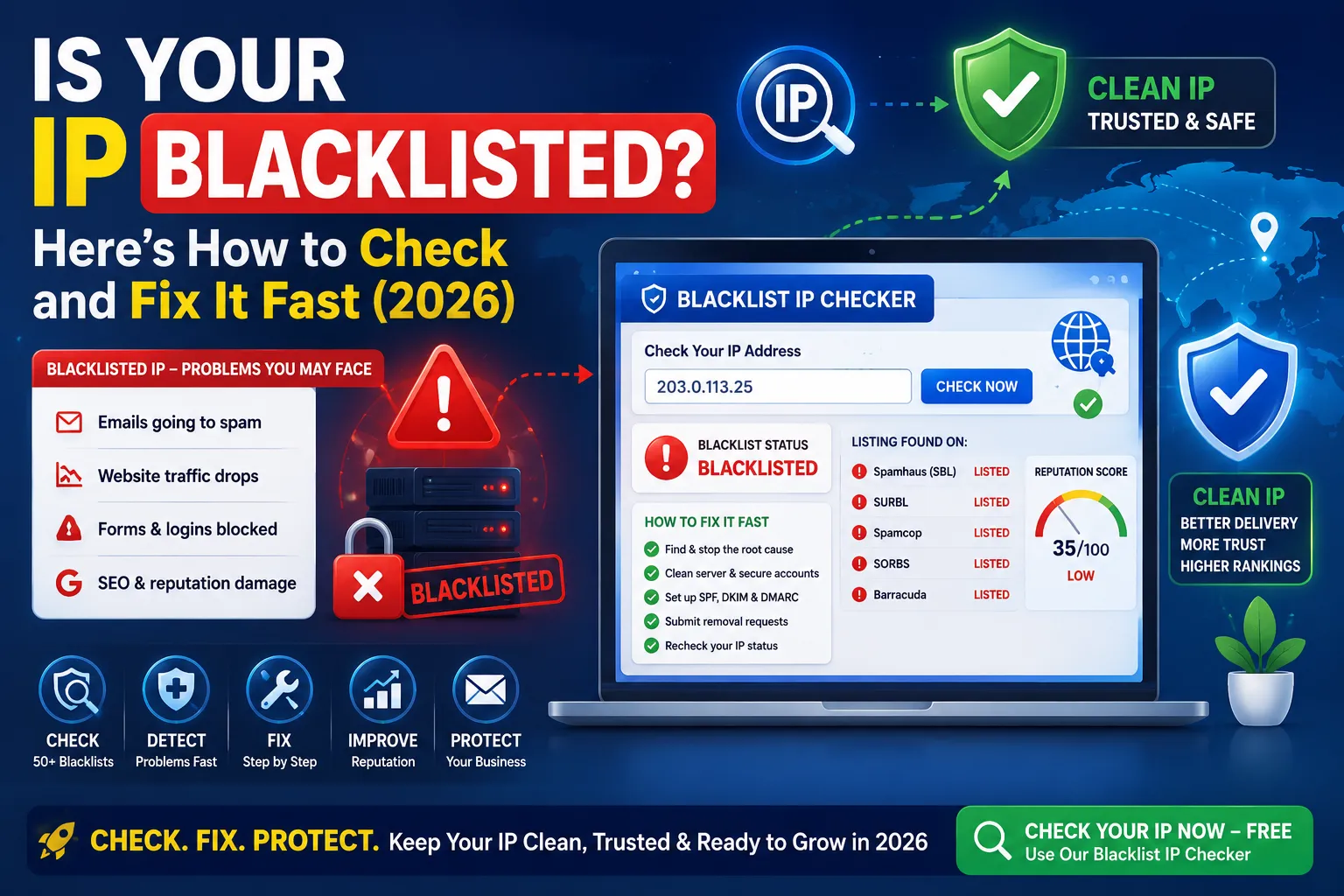
If your emails suddenly land in spam, your traffic drops overnight, or your forms stop reaching customers, a hidden IP issue may be the cause. In many cases, your IP address gets blacklisted without you noticing. That’s why you should learn how to check whether your IP is blacklisted—it’s one of the smartest steps you can take in 2026.
IP blacklists protect users from spam and fraud. However, your IP can land on one due to a single hacked email account, a bad host neighbor, or even a poorly configured plugin.
This complete guide explains how blacklists work, why services may flag your IP, and the exact steps you can take to check, fix, and prevent IP blacklisting quickly.
What Is an IP Blacklist?
An IP blacklist is a public list of IP addresses considered unsafe. Anti-spam services, ISPs, and email providers use these lists to block messages or limit traffic from suspicious sources.
So if your IP is on a blacklist, your emails, websites, and even online accounts may get silently restricted.
Common Reasons an IP Gets Blacklisted
- Compromised hosting or hacked email accounts
- Spammy outgoing emails or contact-form abuse
- Misconfigured DNS, SPF, or DKIM records
- Bad neighbors on shared hosting
- Bots, malware, or scrapers on your server
So even legitimate websites can end up on blacklists by accident.
How Blacklists Hurt Your Business
- Emails fail to reach customers
- Forms and contact systems get blocked
- Visitor traffic mysteriously drops
- SEO indexing slows down
- Brand reputation takes invisible damage
So fast blacklist checks save you from huge revenue losses.
How to Check Is IP Blacklisted Status Free
Step 1 — Open Our Free Blacklist IP Checker
Use our free Blacklist IP Checker. Just paste your IP or domain to check 50+ blacklists at once.
Step 2 — Review Listing Sources
The tool shows which lists flag your IP. Note the names — each has its own removal process.
Step 3 — Cross-Check Other Tools
Pair the result with our Domain to IP and GEO IP Locator for full context.
Top Public IP Blacklists to Know
- Spamhaus (SBL, XBL, PBL)
- SURBL
- Spamcop
- Barracuda
- SORBS
- Invaluement
- UCEPROTECT
So if you appear on any, your emails and sites face delivery problems.
How to Fix a Blacklisted IP
1. Identify the Root Cause
Check email logs, contact forms, and server activity. So you know whether spam came from your site or a hacked account.
2. Clean Your Server and Accounts
Reset passwords, scan for malware, and remove spam scripts. Lock down all email accounts immediately.
3. Verify Email Authentication
Set up correct SPF, DKIM, and DMARC records. Most blacklists demand strong email authentication before delisting.
4. Submit Removal Requests
Visit each blacklist’s official site and submit a delisting request. Some auto-remove clean IPs in 24 hours, others within a week.
5. Talk to Your Host
If you share hosting, ask your provider for a clean IP. Use our Class C IP Checker to verify isolation.
Quick Delisting Checklist
- Run our Blacklist IP Checker
- Identify the cause and fix it fully
- Update SPF, DKIM, DMARC records
- Submit removal requests on flagged lists
- Recheck status within 7 days
Most clean IPs get fully delisted within 1–2 weeks.
How to Prevent Future Blacklisting
- Use strong, unique passwords on all accounts
- Enable two-factor authentication
- Keep CMS, plugins, and themes updated
- Run a security scan with our Online Virus Scanner
- Monitor outgoing emails regularly
- Audit shared hosting Class C IPs every 6 months
Prevention always costs less than recovery.
Does Being on a Blacklist Affect SEO?
- Indirectly yes — failed emails and traffic loss damage trust signals
- Google trusts authoritative, clean sites for indexing
- Blacklisted IPs reduce sender reputation across the web
- Some abuse reports lead to manual reviews
So clean IPs always rank, deliver, and convert better long term.
Smart Tools That Pair With Blacklist Audits
- Blacklist IP Checker — check 50+ lists
- Domain to IP — find current IP
- Reverse IP Lookup — view other sites on same IP
- Online Virus Scanner — clean infected hosts
Used together, these tools handle every layer of IP reputation health.
Final Thoughts
An IP blacklist can quietly cost you customers, traffic, and SEO trust. So checking your IP regularly is the smartest 2-minute habit you can build in 2026.
Start now with our free Blacklist IP Checker. Find issues fast, follow the steps above, and keep your IP clean, trusted, and ready to grow your business.
FAQs
Use a free Blacklist IP Checker. Just paste the IP to see if it appears on any major spam or abuse lists.
Common reasons include hacked accounts, spam emails, malware, or sharing hosting with abusive neighbors.
Indirectly, yes. Failed emails, lost traffic, and trust damage all impact SEO over time.
Fix the root issue, secure your accounts, and submit a removal request on the listing site.
Most clean IPs are removed within 24 hours to 2 weeks, depending on the list.
Yes. Bad neighbors on shared IPs can drag your reputation down. Switching hosts or upgrading helps.
Use strong passwords, enable 2FA, secure your CMS, configure SPF/DKIM, and audit your IP regularly.