
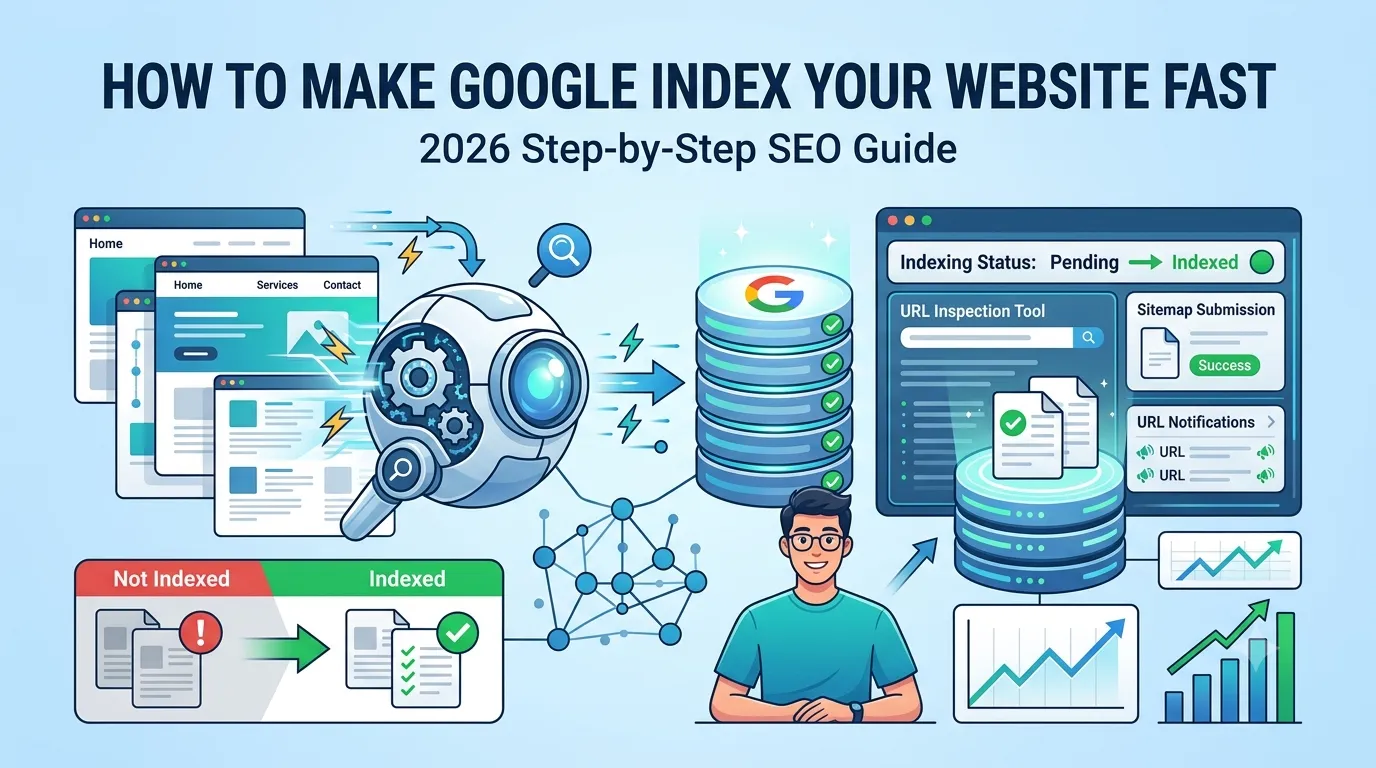
You just launched your shiny new website — but Google does not seem to know it exists. Days pass, your pages still do not show up in search results, and traffic stays flat. So how do you actually make Google index your website fast in 2026?
The good news is that you do not need to wait weeks. With the right steps, Google can crawl and index your new pages within hours. You just need to send the right signals at the right time.
This step-by-step guide walks you through every method that works in 2026 — including the often-ignored ping technique that triggers Google instantly.
What Does It Mean to “Index” a Website?
Indexing is the process where Google stores your web pages inside its giant database. Only indexed pages can appear in search results.
So if your page is not indexed, no one can find it on Google — no matter how good the content is. Therefore, indexing is the first SEO milestone every new site must reach.
Why Some Websites Take Forever to Get Indexed
Google indexes top brands fast, but new sites often wait days or weeks. Common causes include:
- Brand new domain with no authority yet
- No sitemap submitted in Search Console
- Robots.txt blocking key pages
- Thin content with little SEO value
- Slow site speed or crawl issues
Knowing the cause helps you choose the right fix instantly.
Quick Way to Check If Your Pages Are Indexed
Before you fix anything, confirm the indexing status. Use any of these methods:
- Search “site:yourdomain.com” on Google
- Open Search Console > URL Inspection tool
- Use our free Google Index Checker
These show exactly which pages are indexed — and which are not.
Step-by-Step: Make Google Index Your Website Fast
Follow these proven steps in order for the fastest results.
Step 1 — Verify Your Site in Google Search Console
Add your domain in Google Search Console (GSC). Verify ownership via DNS, file upload, or analytics. This unlocks every official indexing tool Google offers.
Step 2 — Submit an XML Sitemap
Sitemaps tell Google what to crawl. Most CMSs auto-generate one at /sitemap.xml. Submit it inside GSC > Sitemaps. Google starts crawling within hours.
Step 3 — Request Indexing Through URL Inspection
In GSC, paste your URL into the top search bar. Click “Request Indexing” if the page is not indexed yet. This pushes Google to crawl that exact page faster.
Step 4 — Ping Search Engines Instantly
Use our free Online Ping Website Tool. It notifies Google, Bing, and Yandex about your new content in seconds — perfect for newly launched pages.
Step 5 — Build Internal Links
Add internal links from your homepage and high-traffic pages to the new ones. Internal links act like roadmaps for Googlebot.
Step 6 — Earn a Few External Signals
Share your URL on Twitter, LinkedIn, Pinterest, Reddit, or in niche forums. These social signals often lead Google to discover and crawl your page faster.
Powerful On-Page Tweaks That Boost Indexing
Indexing is faster when your on-page setup is clean. Apply these quick wins:
- Use clean, SEO-friendly URL structures
- Add a clear, keyword-rich title and H1
- Write at least 700–1500 useful words
- Include relevant images and proper alt text
- Add schema markup using our Schema Generator
Strong content earns faster indexing — and better long-term rankings.
Common Indexing Blockers to Fix
Many new sites accidentally block themselves from being indexed. Check these issues immediately:
- “noindex” meta tags inside the HTML
- Disallow rules inside robots.txt
- WordPress setting “Discourage search engines”
- Password-protected staging URLs
- Broken canonical tags pointing elsewhere
Fixing these takes minutes but can unlock indexing instantly.
How Long Does Google Indexing Usually Take?
| Website Type | Typical Indexing Time |
|---|---|
| Established sites | Few minutes to hours |
| Mid-tier blogs | 1–3 days |
| Brand new domains | 1–4 weeks |
| Low quality / spammy sites | May never index |
So if a new domain stays unindexed for over a month, deeper issues likely exist.
Smart Tools to Speed Up Indexing
- Online Ping Website Tool — instantly notify search engines
- Google Index Checker — confirm indexing status
- Website SEO Score Checker — overall site health
- Page Speed Test — improve crawl efficiency
Used together, they form a complete fast-indexing toolkit.
Bonus Tips for Even Faster Indexing
- Publish 5–10 quality pages before submitting to Google
- Use Google Business Profile to send brand signals
- Add your site to high-quality directories
- Embed your URL in YouTube video descriptions
- Earn one or two backlinks from indexed sites
These small signals build authority and improve Google’s trust in your domain.
Final Thoughts
If you want to make Google index your website fast, do not wait passively. Take action — submit your sitemap, request indexing, ping search engines, and earn smart signals from day one.
Start now with our free Online Ping Website Tool. It is the quickest way to alert Google about your fresh pages and start the indexing process today.
FAQs
Submit a sitemap in Search Console, request indexing manually, ping search engines, and build a few internal and external links.
Your site may be too new, missing a sitemap, or blocked by robots.txt or noindex tags.
It usually takes a few days to a few weeks for new domains, depending on content quality and signals.
Yes. Pings notify search engines instantly, often triggering crawls within hours for new content.
No. It helps, but only quality, original, and crawlable content is consistently indexed by Google.
Ping after publishing new pages or major updates. Avoid overusing it for the same URL within short time spans.
You cannot force it, but combining sitemap, indexing requests, and pings drastically improves the speed.