
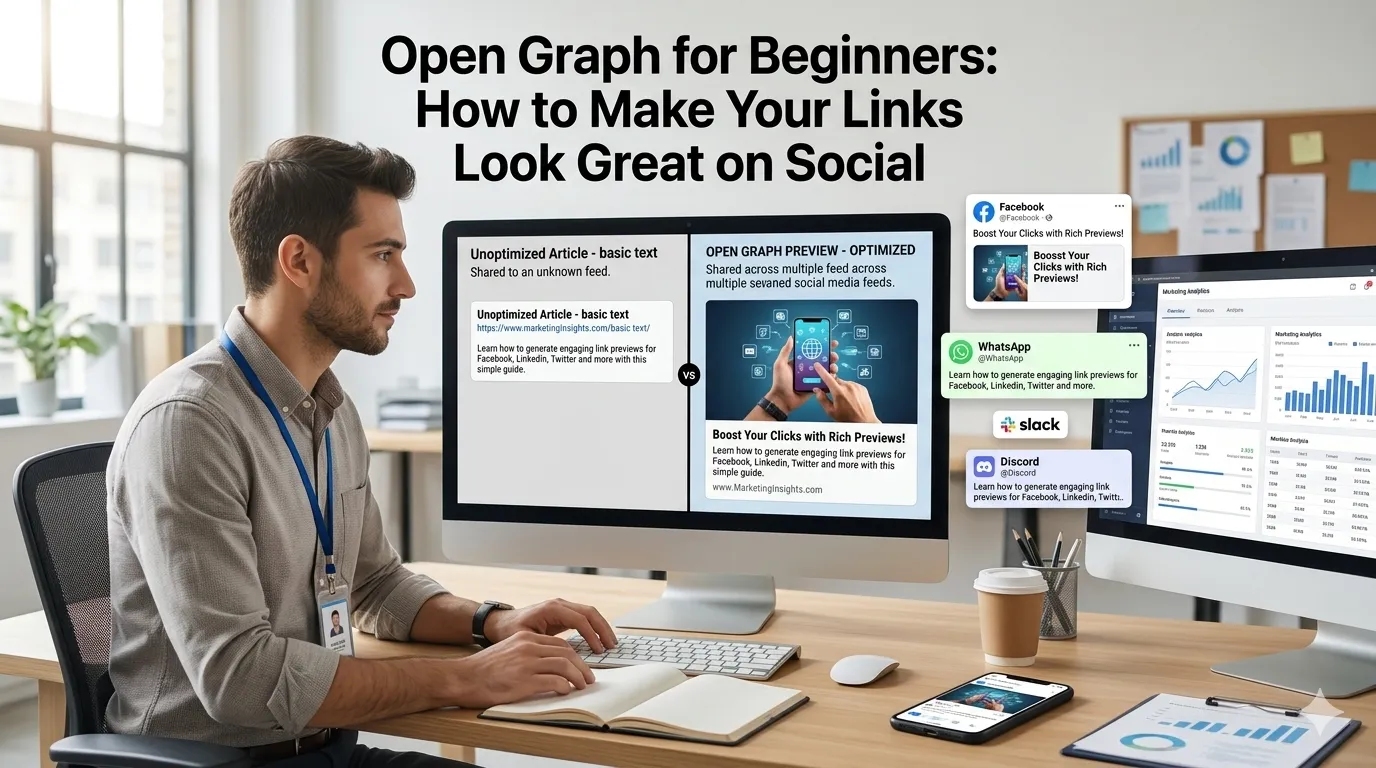
Open Graph for beginners often shows up as a mystery. Why does the same URL look polished when one friend shares it and bare when another does? Open Graph is the reason, and this guide makes it simple.
By the end, you will know what Open Graph is, which tags matter most, and how to set them up using a free Open Graph generator for any page.
What is Open Graph?
Open Graph is a small set of meta tags that tells social networks what to display when someone shares your URL. The tags live in the HTML head of a page and start with og:.
Most major platforms read them, including Facebook, LinkedIn, Slack, WhatsApp, and Discord. Twitter and X fall back to Open Graph when their own tags are missing.
Why Open Graph matters for beginners
A polished preview attracts more clicks. Inboxes and feeds are crowded, and a clear title with a sharp image gives your link a fighting chance.
Without Open Graph, social networks guess the preview. They may pick the wrong image, an outdated title, or a random paragraph from the page. The result usually looks unprofessional.
The five tags every beginner should set
- og:title — the headline for the preview
- og:description — a short hook under the title
- og:image — a 1200 by 630 pixel image
- og:url — the canonical version of the page
- og:type — usually article, website, or product
How to create Open Graph tags fast
Open a free Open Graph generator, paste the title, description, and image URL, and copy the generated tags. Drop them into your page head or into your CMS SEO plugin.
Most WordPress SEO plugins fill these tags automatically when you set the meta title, description, and featured image. Beginners get the benefit without touching code.
Design a strong social image
Use 1200 by 630 pixels with safe margins so logos and text are never cropped. Add a short headline and your logo so the preview communicates value at a glance.
Compress the file with an image compressor and resize with an image resizer if needed. Smaller files load faster in feeds, which helps your preview render reliably.
Test before you celebrate
After publishing, run the URL through the Facebook Sharing Debugger or LinkedIn Post Inspector. They show how the preview will render and let you refresh the cache if your tags changed recently.
Test on at least one social platform you actually use. Catch missing images or mismatched titles before the link reaches a real audience.
Beginner-friendly checklist
- Every page has unique og:title and og:description
- og:image set at 1200 by 630 pixels
- og:url uses the canonical version
- Cache refreshed in the Facebook debugger after changes
- Track CTR with a percentage calculator