
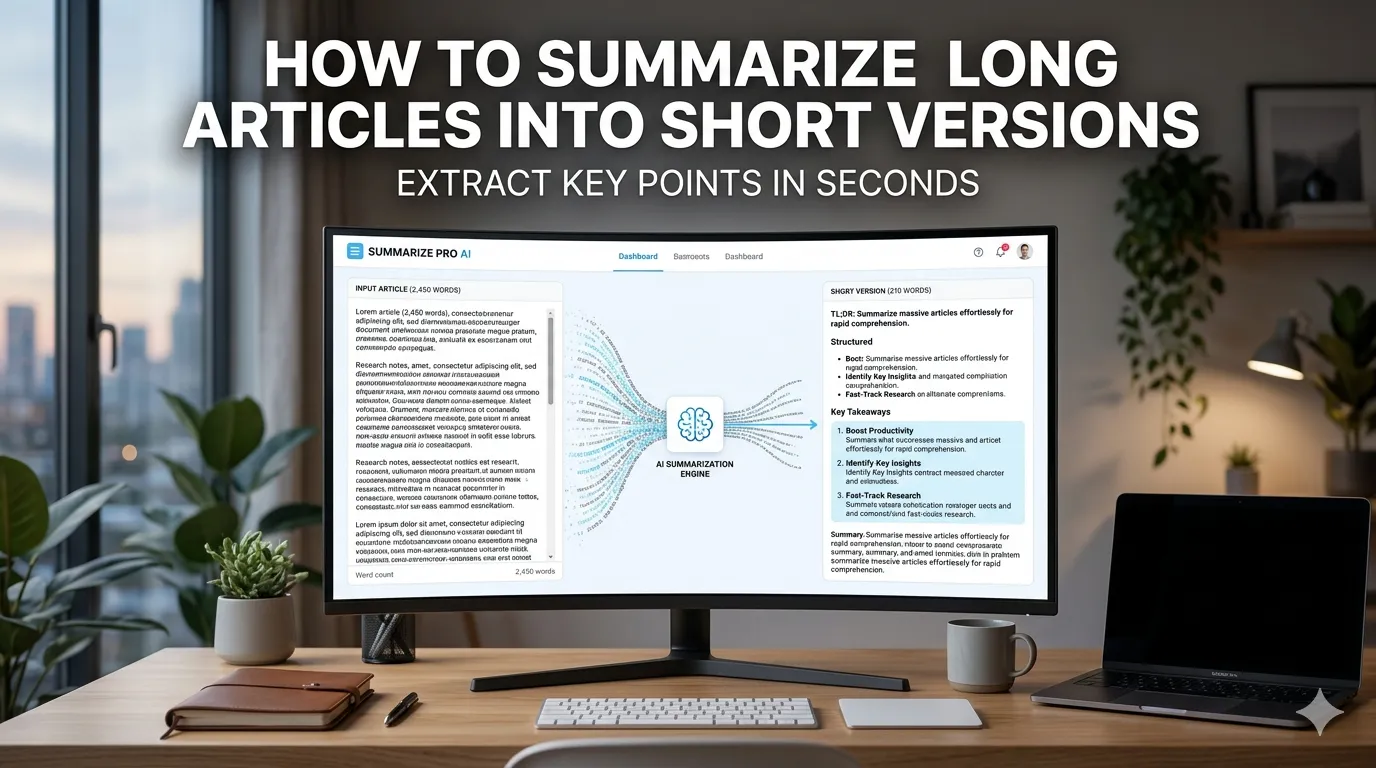
Want to summarize long articles into short versions without missing key points? You’re tapping into one of the most useful AI writing tools available. Summarizers condense lengthy content into digestible takeaways in seconds, saving hours of manual reading and note-taking.
This guide walks through the easiest method, explains different summary styles, and shares pro tips for capturing essential points. By the end, you’ll handle article summaries effortlessly across any topic.
Why Summarizing Saves Hours Every Week
Information overload defines modern work. Research reports run hundreds of pages. News articles flood inboxes daily. Academic papers stack up before deadlines. Summarizers strip lengthy content down to actionable insights without endless reading.
Furthermore, summaries help retention. Studies show people remember key points better than full passages. Creating summaries actively engages the brain, improving understanding beyond passive reading alone.
Common Summarization Uses
- Reading research papers efficiently
- Reviewing legal documents quickly
- Catching up on news during commutes
- Creating executive summaries from reports
- Note-taking for study sessions
- Briefing colleagues on long materials
Step-by-Step: Summarize Articles Online
Step 1: Open the Summarizer
Visit our Text Summarizer. The tool loads instantly.
Step 2: Paste the Article
Drop content into the input. Pick summary length preference. Options usually include bullet points, paragraph summaries, or single-sentence takeaways.
Step 3: Review Key Points
Copy the summary. Verify essential points captured. Adjust length settings if too brief or too detailed. Most tools let you regenerate at different compression levels until output matches needs.
Summary Styles Compared
| Style | Best For |
|---|---|
| Bullet points | Quick scanning of key takeaways |
| Single paragraph | Executive summaries |
| One-sentence TL;DR | Social media or quick references |
| Section-by-section | Academic or research summaries |
| Numbered list | Action items from meetings or reports |
Tips for Quality Summaries
Smart summarization captures essentials. First, pick the right compression. Heavy compression suits social posts. Light compression preserves nuance for academic work.
Second, verify summary accuracy. AI sometimes misses subtle but important details. Read the summary against the original to ensure fidelity. Third, never substitute summaries for original reading on critical content like contracts or legal documents.
Common Summarization Pitfalls
- Missing nuance: AI strips context that may matter
- Wrong emphasis: Summary may stress points the author didn’t
- Skipping caveats: Important warnings or conditions get cut
- Fact distortion: Rare but possible AI hallucinations
- Over-reliance: Important documents still need full reading
Privacy When Summarizing Sensitive Content
Pick summarizers processing text in your browser. Confidential documents stay on your device. Read each tool’s privacy policy first. Reputable services don’t log or store summarized content during processing.
Combining Summarizer With Other Tools
Summarization fits broader writing workflows. Paraphrase summaries via our Paraphrasing Tool for unique phrasing. Count words after summarizing via our Word Counter.
Check character limits using our Character Counter for social posts. Each tool fits writers and researchers at different workflow steps.
Get Key Points From Any Long Article
Information overload no longer needs to bury you. With the right summarizer, condensing long content takes seconds. Whether for research, news, or work documents, smart summarization extracts what matters fastest.
Try our Text Summarizer today. Free, secure, and ready whenever you need quick takeaways from lengthy content.