
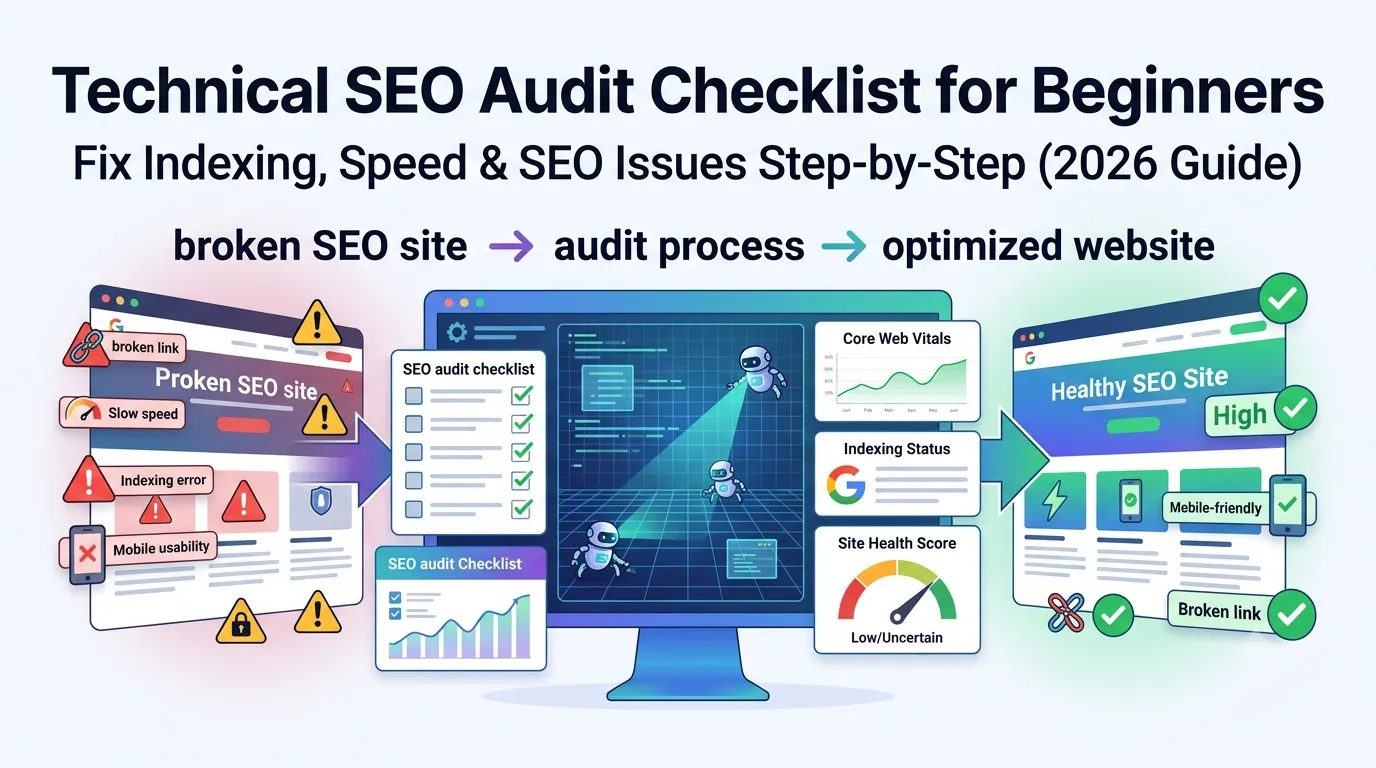
Even amazing content fails if your technical SEO is broken. So before chasing keywords or backlinks, you must run a strong technical SEO audit. With one clean checklist, you fix hidden issues that quietly destroy rankings.
This beginner-friendly guide walks you through every key step of a technical SEO audit checklist in 2026. So you can quickly catch problems, fix them, and grow steady organic traffic.
Best of all, every check can be done using free tools — no agencies, no expensive software.
What Is a Technical SEO Audit?
A technical SEO audit is a deep review of your site’s crawlability, indexing, speed, and security. It checks how Google sees your site, not just what users see.
So while content and backlinks help you rank, technical SEO determines whether Google can even read and trust your site.
Why Technical SEO Audits Matter in 2026
- Fix indexing issues fast
- Boost Core Web Vitals scores
- Improve mobile usability
- Secure HTTPS and trust signals
- Catch hidden SEO leaks before they hurt traffic
So even one audit per quarter saves months of guesswork.
The Complete Technical SEO Audit Checklist
1. Confirm Site Is Indexed
Use our Google Index Checker to verify pages appear in Google.
2. Check Robots.txt
Make sure it does not block important pages. Common errors lock entire sites out of Google.
3. Inspect XML Sitemap
Confirm it lives at /sitemap.xml. Submit it inside Search Console.
4. Check for Noindex Tags
One wrong tag can hide your entire blog. Audit using our Meta Tag Analyzer.
5. Audit Canonical Tags
Make sure each page points to itself unless intentionally duplicated.
6. Improve Site Speed
Use our Page Speed Test to fix LCP, INP, and CLS issues.
7. Compress Images
Reduce file size using our Image Compressor. Smaller files mean faster pages.
8. Check Mobile Friendliness
Audit with our Mobile Friendly Test. Mobile rules SEO in 2026.
9. Verify HTTPS & SSL
Use our SSL Checker to confirm certificates are valid and active.
10. Inspect HTTP Headers
Audit using our HTTP Headers Checker. Spot bad cache rules or noindex headers.
11. Validate Schema Markup
Use our Schema Generator for clean Article, FAQ, and HowTo blocks.
12. Check Heading Hierarchy
One H1, clean H2–H3 structure. Audit using our Heading Tag Analyzer.
13. Audit Redirects
Use 301s for permanent moves. Test with our Redirect Checker.
14. Fix Broken Links
Run our Broken Link Checker. Each dead URL costs SEO power.
15. Optimize URL Structure
Use short, lowercase, hyphenated URLs with keywords.
16. Improve Internal Linking
Connect blog posts and service pages with descriptive anchors.
17. Audit Backlinks
Use our Backlinks Checker to find risks and opportunities.
18. Spot Toxic Links
Check using our Blacklist IP Checker and disavow if needed.
19. Run Cloaking Check
Use our Cloaking Checker to spot hidden bot-only content.
20. Verify Image Alt Attributes
Use our Alt Attribute Checker for SEO and accessibility.
Pro Tips to Make Technical SEO Easy
- Run audits every quarter
- Track issues in a Google Sheet
- Prioritize fixes by SEO impact
- Use Search Console weekly
- Document recurring issues
Systematic audits prevent surprises and protect your rankings long term.
Top Tools Used in Technical SEO Audits
- Website SEO Score Checker — overall site health
- Page Speed Test — Core Web Vitals
- Google Index Checker — indexing status
- Redirect Checker — 301/302 audits
- SSL Checker — HTTPS validation
- Mobile Friendly Test — mobile UX
Used together, they cover every technical SEO checkpoint in one workflow.
Common Technical SEO Mistakes
- Forgetting to renew SSL certificates
- Leaving accidental noindex tags
- Blocking key folders in robots.txt
- Skipping mobile audits
- Letting broken links pile up
Each mistake quietly bleeds traffic — unless you catch it during regular audits.
When to Run a Technical SEO Audit
- Every quarter for healthy sites
- After a major redesign or migration
- After hosting or CMS changes
- When traffic suddenly drops
- After major Google updates
So audits work like checkups — fast, easy, and life-saving.
Beginner-Friendly Audit Workflow
- Run our Website SEO Score Checker
- Fix indexing & meta issues first
- Audit speed and Core Web Vitals
- Cleanup broken links and redirects
- Validate schema, headings, and security
- Submit sitemap and request reindexing
This 6-step loop covers 95% of technical SEO problems on most websites.
Final Thoughts
Following a technical SEO audit checklist saves hours, prevents silent traffic losses, and builds long-term ranking trust. With consistent audits, your site stays clean, fast, and ready to rank in any niche.
Start now with our free Website SEO Score Checker. Run quarterly audits, fix what matters most, and grow steady traffic across 2026.
FAQs
A technical SEO audit checklist is a step-by-step list of optimization tasks that ensures your site is fast, secure, indexable, and crawlable.
It controls how Google reads your site. So weak technical SEO blocks rankings, no matter how strong your content is.
About 1–2 hours for small sites. Larger sites may need 1–3 days for full audits.
Yes. With a clear checklist and free tools, even beginners can perform a strong audit in one afternoon.
Every quarter for healthy sites. Run extra audits after migrations or sudden traffic drops.
Slow speed and broken links. Both quietly hurt user experience and Core Web Vitals scores.
No. Free tools like a Page Speed Test, SSL Checker, and Mobile Friendly Test cover almost all small-site needs.