
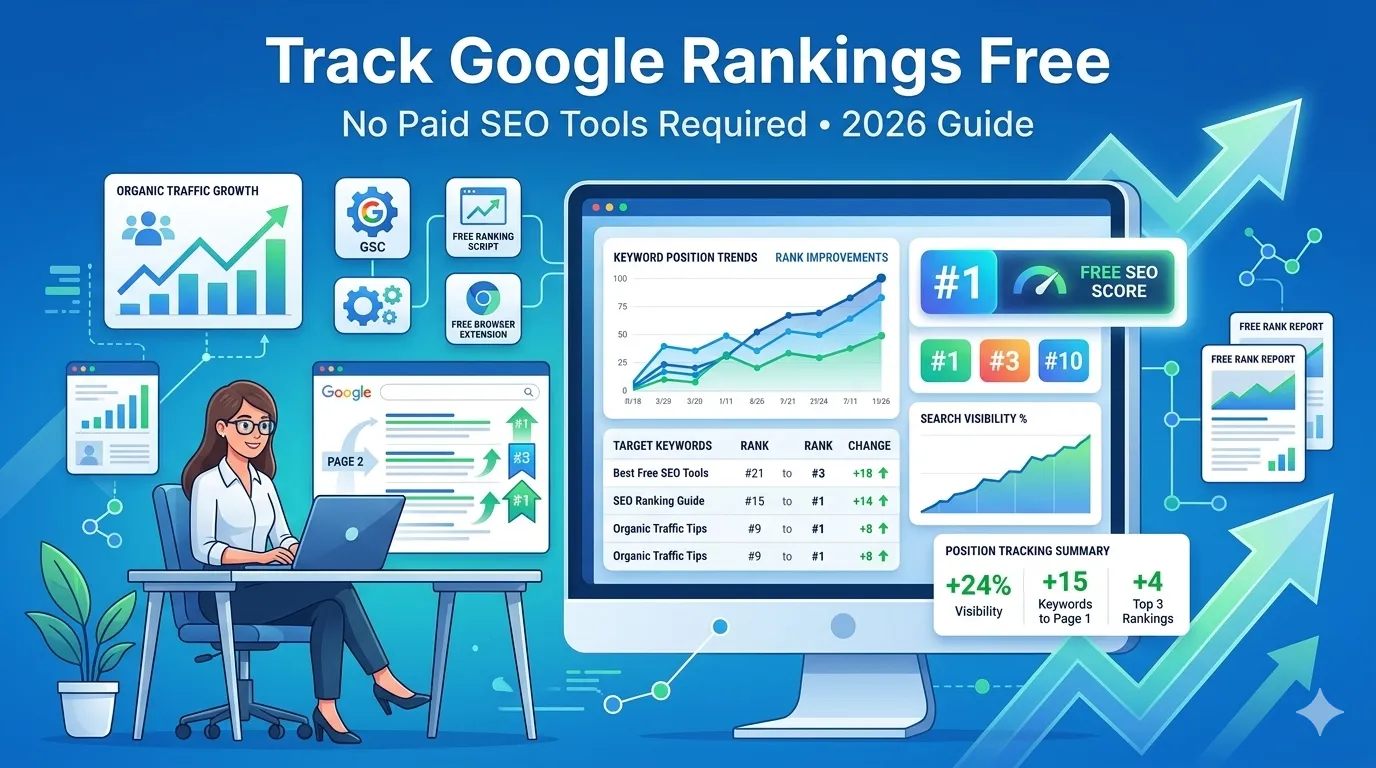
If you spend hours writing great content, you deserve to know where it ranks. Yet most SEO tools cost $100+ per month. The good news is, you can track Google rankings free using simple, beginner-friendly methods.
Ranking data shows you what is working, what is not, and where your next opportunity lies. Without it, every SEO move feels like a guess.
This complete guide explains how to track Google rankings free in 2026, the best tools to use, and the smartest habits to keep your rankings climbing.
Why Track Google Rankings at All?
Ranking data is the heartbeat of your SEO. With it, you can:
- See which pages move up or down each week
- Identify pages stuck on page two
- Catch algorithm impacts early
- Spot new keyword opportunities
- Prove SEO value to clients or your team
So tracking turns SEO from a guessing game into a data-driven growth machine.
Why Free Tracking Works Just Fine for Most Sites
Big SEO platforms add tons of features. Most are useful for agencies, but not for small businesses. For 90% of websites, free tools deliver:
- Accurate position data
- Country-level results
- Mobile vs desktop checks
- Historical trend snapshots
Therefore, you save hundreds of dollars yearly without losing the data that matters.
How to Track Google Rankings Free in 4 Easy Methods
Below are four reliable methods to track Google rankings free in 2026.
Method 1 — Use a Free Keyword Position Checker
Our free Keyword Position Checker shows where your domain ranks for any keyword in seconds.
Just enter your URL and target keyword, and the tool returns your current Google position with no signups required.
Method 2 — Check Google Search Console
GSC is free, official, and powerful. Under “Performance”, you can see:
- Average position for every query
- Impressions and clicks per keyword
- Click-through rate
- Country, device, and page-level breakdowns
GSC also stores 16 months of data, perfect for spotting long-term trends.
Method 3 — Use Incognito Google Search
Open Chrome’s incognito mode. Search your keyword and scroll until you find your page. This gives a real, personalization-free snapshot of where you rank today.
However, do not rely on this method daily — manual checks waste time across many keywords.
Method 4 — Combine Multiple Free Tools
Pair our Keyword Position Checker with GSC and our Keyword Difficulty Checker. Together, they cover position data, opportunity gaps, and quick-win keywords.
Free Tools vs Paid Trackers: Quick Comparison
| Feature | Free Tools | Paid Trackers |
|---|---|---|
| Position Data | Yes | Yes |
| Country / Device Split | Yes | Yes |
| Daily Auto Updates | Limited | Yes |
| Cost | $0 | $100–$300/month |
| Best For | Small/medium sites | Agencies, big brands |
Most bloggers and small businesses do not need premium subscriptions to track Google rankings free.
How Often Should You Check Rankings?
Daily ranking checks usually waste time. Instead, follow this rhythm:
- Once a week for new pages
- Every 2 weeks for evergreen content
- Once a month for older posts
- Right after Google algorithm updates
Smart cadence reveals trends without making you obsess over daily noise.
Common Ranking Tracking Mistakes
- Trusting browser searches without incognito
- Ignoring country and device filters
- Tracking only the homepage instead of inner pages
- Watching keywords with zero search volume
- Panic-changing content after small ranking drops
Avoid these to stay focused on real growth signals.
How to Turn Ranking Data Into Real SEO Wins
- Refresh pages stuck on positions 11–20
- Add internal links from your top pages
- Improve titles and meta descriptions for low-CTR keywords
- Create new content for “almost ranking” topics
- Build a few quality backlinks to climbing pages
These actions compound month after month into massive ranking gains.
Free SEO Tools That Pair Well With Rank Tracking
- Keyword Position Checker — track positions free
- Keyword Difficulty Checker — measure competition
- Keyword Suggestion Tool — find new ideas
- Website SEO Score Checker — overall site health
Used together, they give you 360° SEO insight — without any monthly fees.
Bonus: Build a Simple Tracking Spreadsheet
Create a Google Sheet with these columns:
- Keyword
- Target URL
- Country
- Device
- Last position
- This week’s position
- Notes
Update this once a week using your free tools. Over time, it becomes a powerful SEO command center.
Final Thoughts
You do not need paid platforms to grow on Google. With smart habits and the right free tools, you can track Google rankings free, spot wins early, and scale traffic month after month.
So, start now with our free Keyword Position Checker. Add a few keywords, check positions weekly, and let real data guide your next SEO move.
FAQs
Use a free keyword position checker plus Google Search Console. Together they cover positions, impressions, and CTR data.
Yes. GSC uses real Google data, so its position numbers are reliable, especially over 16 months of history.
No. Most small and medium sites can grow well using free tools and consistent SEO habits.
Weekly for new pages, biweekly for evergreen content, and monthly for older posts works best.
Google personalizes results by location, device, and search history. So use incognito or free tools for accurate data.
Yes. Free tools and GSC both let you filter by country, so you can monitor positions worldwide.
Yes, if they do not store personal data. Stick with trusted brands that use HTTPS and clear privacy practices.