
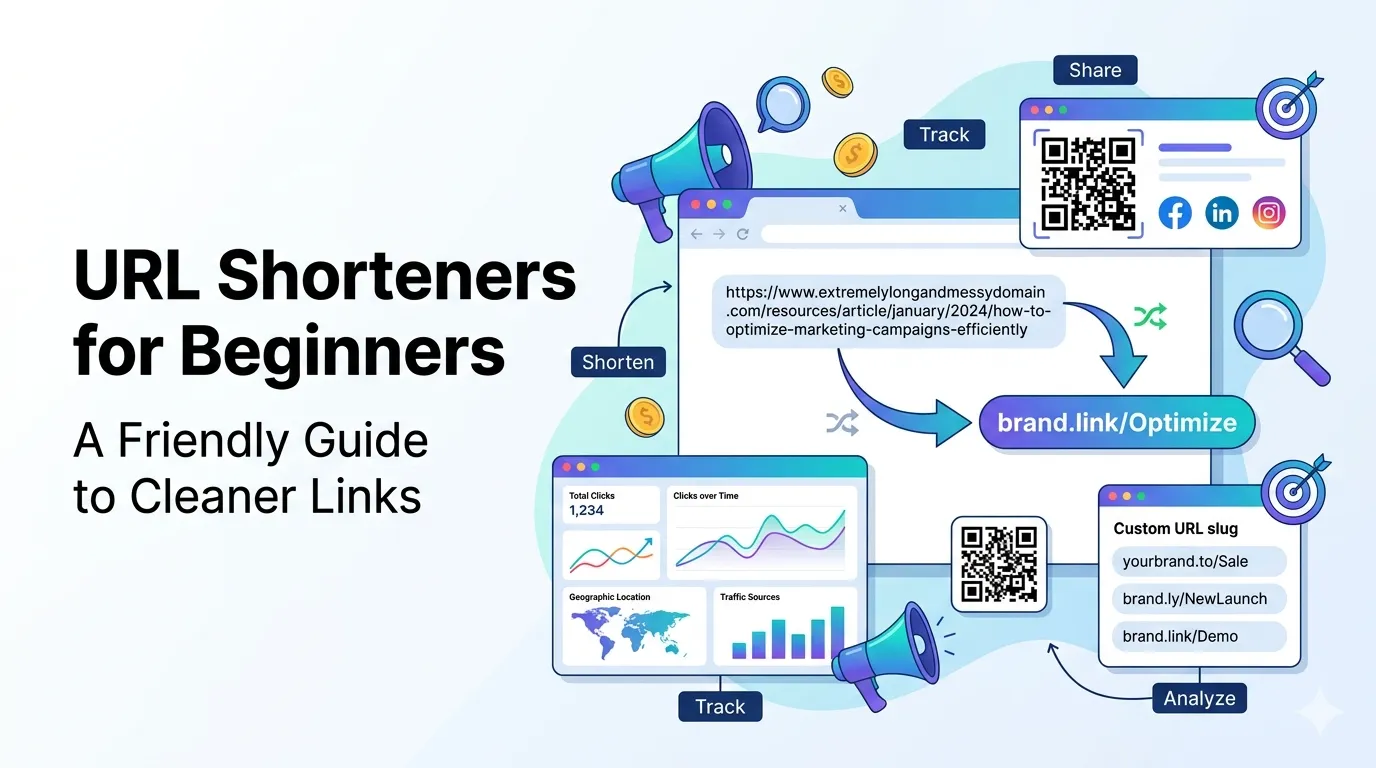
URL shorteners for beginners can feel mysterious at first. You paste a long ugly link, get back a short tidy one, and somehow it still works. This guide explains the whole story in plain language so you can use them with confidence.
By the end, you will know what a shortener does, when to use one, and how to make your first short link with a free URL shortener. No prior experience needed.
What is a URL shortener?
A URL shortener takes a long web address and creates a short alias that redirects to the original. Tap the short link and the browser quietly bounces you to the real destination, no manual work needed.
The short link is easier to share, looks cleaner in messages, and often comes with tracking so you can see how many people clicked. That is most of the magic in one sentence.
Why beginners should care
Short links are everywhere. They show up on social posts, in podcasts, on business cards, and in stage talks. Knowing how to make one well saves time and quietly raises your professionalism.
They also help you measure results. If you share three different short links for the same offer in different channels, you can see which channel actually delivered the most clicks.
Where short links shine
- Social media posts where character count matters
- Print and offline materials that need readable URLs
- Email newsletters and outreach
- QR codes, where shorter content equals smaller, scan-friendly codes
How to create your first short link
- Copy the long URL you want to share
- Open a free URL shortener
- Paste the URL and click shorten
- Pick a memorable custom slug if available
- Test the new link by clicking it once
Beginner tips for cleaner short links
Use readable slugs like /demo or /spring-sale instead of random characters. These URLs are easier to type, remember, and share, especially in podcasts, videos, or printed materials. Clear slugs also improve user trust and make links look more professional. materials.
Use a character counter to keep slugs short. A slug under 20 characters fits nicely in social posts and looks polished alongside your other content.
Tracking your clicks without overthinking
Most shorteners include simple click counts on the dashboard. That is plenty for beginners. Once comfortable, add UTM parameters so traffic shows up neatly inside Google Analytics or similar tools.
A short UTM template covers source, medium, and campaign. You set it once, copy and tweak per campaign, and the data piles up cleanly for monthly review.
Common beginner concerns answered
- Short links do not change the destination page
- They do not slow the page after the small initial redirect
- Trusted shorteners protect against abuse and broken links
- You can pause or change dynamic links if the destination moves
- A free tool is usually enough to start
Bonus: pair short links with other free tools
For social posts, combine a short link with a strong Open Graph preview created through an Open Graph generator. When printing on signs or packaging, convert the short URL into a QR code so people can scan and visit instantly.
To keep campaigns running smoothly, review your links every month with a redirect checker. This helps you find broken or chained redirects before they reduce clicks and conversions.