
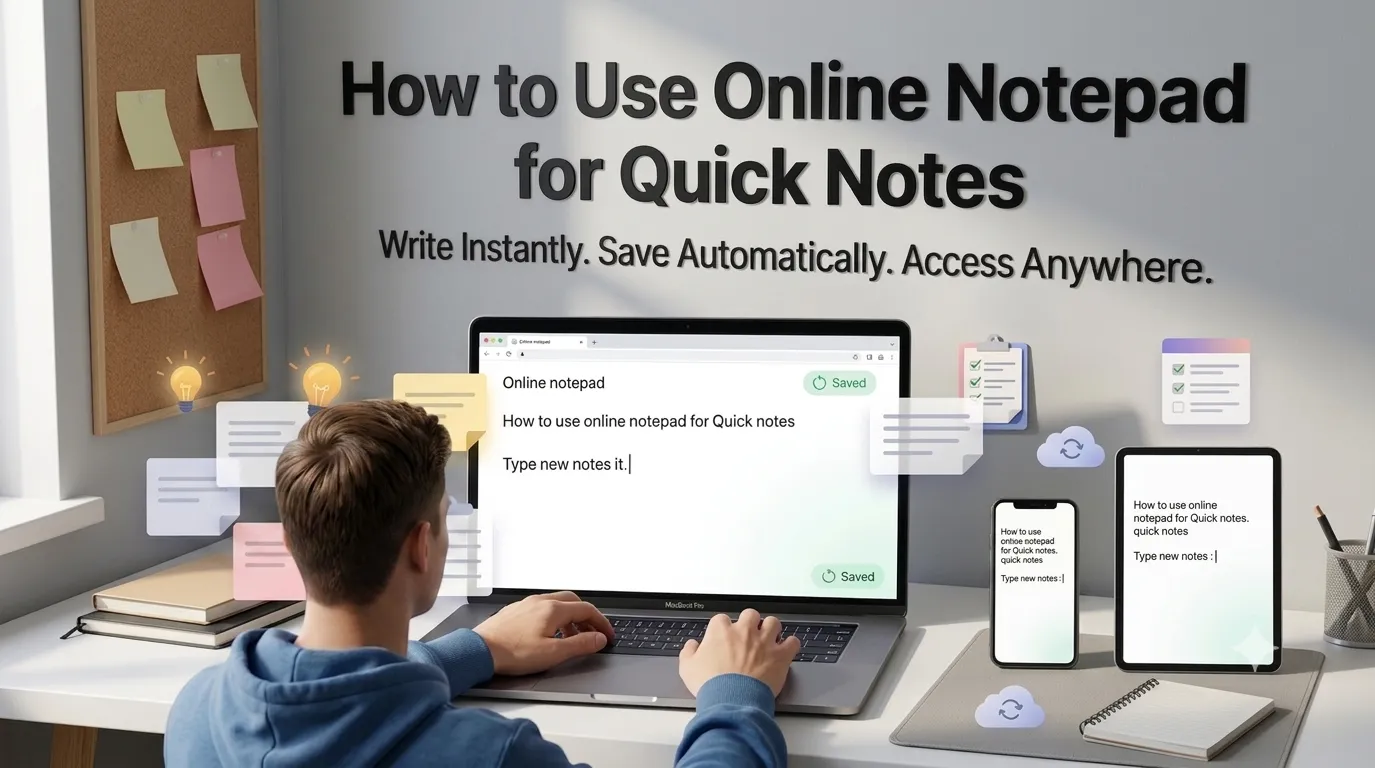
Need an online notepad for quick notes without installing software? Browser-based notepads open instantly for jotting down ideas, tracking tasks, or storing snippets. The convenience matches desktop Notepad without any installation steps.
This guide walks through the easiest method, explains common use cases, and shares pro tips for productive note-taking. By the end, you’ll handle quick notes effortlessly across any device.
Why Online Notepads Beat Native Apps
Online notepads work anywhere. Switch between laptop, phone, and tablet without sync setup. Browser-based access means zero downloads. The note opens as fast as a new tab.
Furthermore, online notepads work offline. Modern progressive web apps cache locally. Internet drops don’t lose notes. Auto-save keeps content safe across browser sessions.
Common Online Notepad Uses
- Quick notes during phone calls
- Temporary clipboard for cross-device transfer
- Meeting notes that sync across devices
- Drafting emails before sending
- Storing code snippets temporarily
- Capturing thoughts mid-research
Step-by-Step: Use Online Notepad
Step 1: Open the Notepad
Visit our Online Notepad. Loads instantly with autosave enabled.
Step 2: Start Typing
Type your notes. Most online notepads auto-save every few seconds. No save button needed. Content persists in browser storage across sessions.
Step 3: Access From Any Device
Open the same notepad URL on phone or tablet. Notes sync via browser storage or shareable links. Some tools generate unique URLs for cross-device access without accounts.
Notepad Feature Comparison
| Feature | Benefit |
|---|---|
| Auto-save | Never lose notes |
| Browser storage | Persists across sessions |
| Shareable URLs | Cross-device access |
| Plain text | Works everywhere |
| No signup | Instant access |
Privacy When Using Online Notepads
Pick notepads storing content in browser only. Confidential notes never reach servers. Read privacy policies for tools requiring accounts. For maximum privacy, pick browser-local storage options.
Combining With Other Tools
Online notepads fit broader writing workflows. Count notepad content via our Word Counter. Check grammar via our Grammar Checker. Each tool serves different writing stages.
Jot Notes From Any Device Instantly
Quick notes need quick tools. With the right online notepad, capturing thoughts takes seconds. Whether for meetings, ideas, or temporary clipboards, smart note-taking works anywhere.
Try our Online Notepad today. Free, secure, and ready whenever inspiration strikes.