
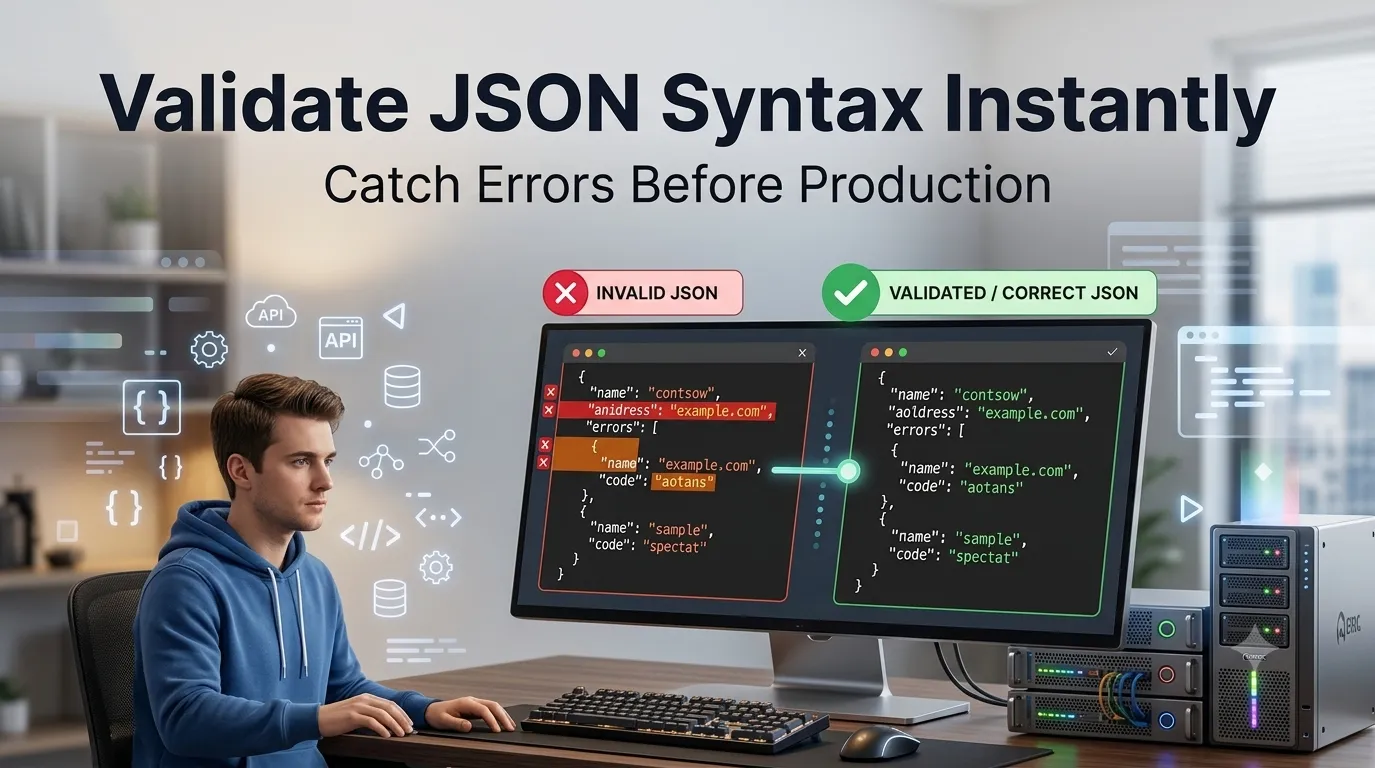
Need to validate JSON syntax quickly before deploying code or sending API requests? Online JSON validators catch syntax errors in seconds. Developers, QA testers, and DevOps engineers rely on validation to prevent production bugs.
This guide walks through the easiest method, explains common JSON errors, and shares pro tips for clean syntax. By the end, you’ll catch JSON issues before they cause problems.
Why JSON Validation Matters
Invalid JSON crashes applications. APIs reject malformed requests. Parsers throw errors. Configuration files break apps on startup. Pre-validation prevents these production fires before code ever runs.
Furthermore, validation catches subtle errors. Trailing commas, mismatched quotes, and missing brackets all break JSON. Tools spot these instantly, saving hours of confused debugging.
Common JSON Validation Uses
- Verifying API response format
- Testing config files before deployment
- Validating data exports
- Quality-checking webhook payloads
- Reviewing pull request changes
- Teaching JSON to beginners
Step-by-Step: Validate JSON Online
Step 1: Open the Validator
Visit our JSON Validator. Loads instantly.
Step 2: Paste JSON
Drop your JSON into the input. Tool checks syntax in real time. Valid JSON gets green confirmation. Invalid JSON shows specific error location and reason.
Step 3: Fix Errors
Read error messages. Fix flagged issues. Re-validate until JSON passes. Most validators also let you format alongside validation for clean readable output.
Common JSON Syntax Errors
| Error | Fix |
|---|---|
| Trailing comma | Remove last comma in objects/arrays |
| Single quotes | Use double quotes for strings |
| Unquoted keys | All keys must be in quotes |
| Missing brackets | Match every opening bracket |
| Comments | JSON doesn’t support comments |
Privacy When Validating Sensitive JSON
Pick validators processing JSON in your browser. API keys and tokens stay on your device. Read privacy policies first. Reputable services don’t log content during validation.
Combining With Other Tools
JSON validation fits broader dev workflows. Format valid JSON via our JSON Formatter. Minify for production via our JSON Minifier. Each tool handles a specific JSON workflow stage.
Catch JSON Errors Before Production
Invalid JSON breaks everything downstream. With the right validator, syntax checking takes seconds. Whether for APIs, configs, or data exports, smart validation prevents production fires.
Try our JSON Validator today. Free, secure, and ready whenever your JSON needs verification.