
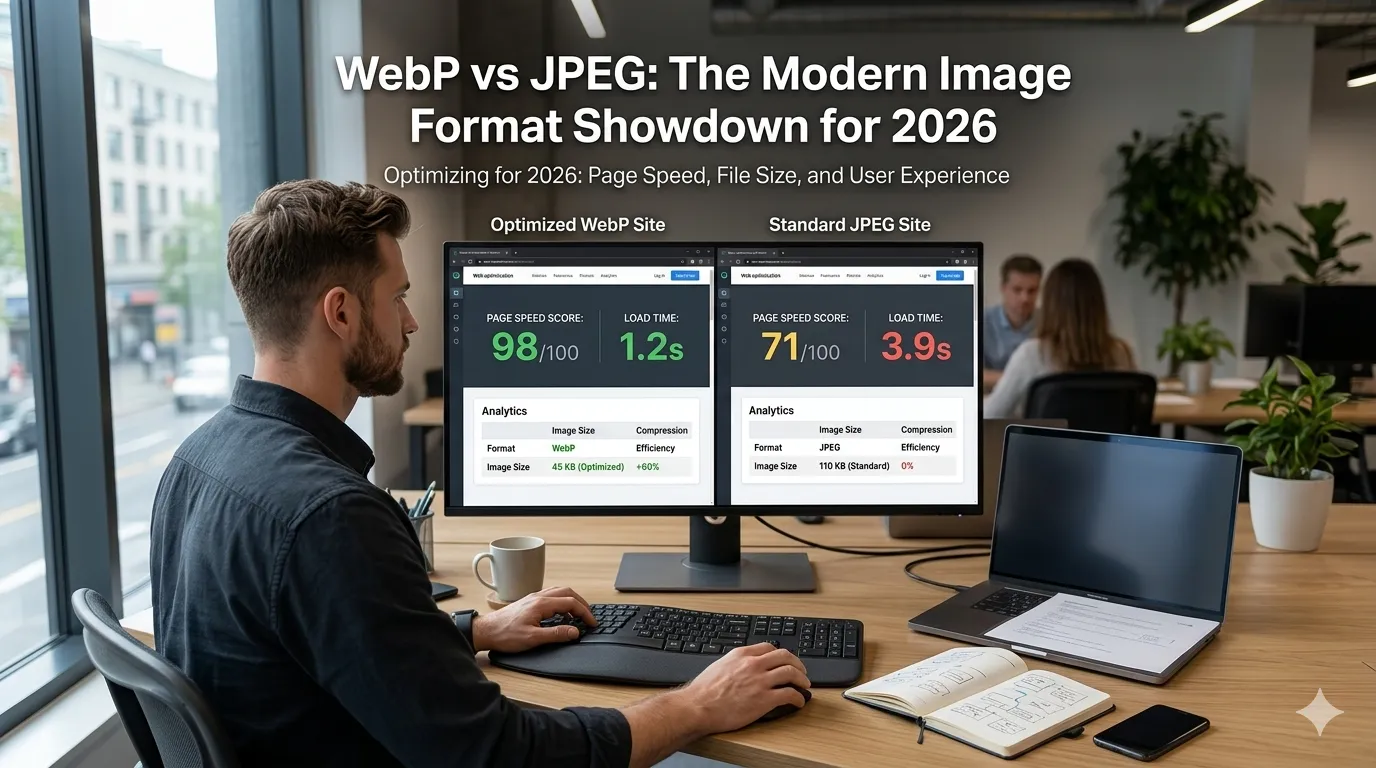
WebP vs JPEG is the format debate every modern site eventually faces. Both produce great-looking photos, both compress well, yet WebP is rapidly replacing JPEG for serious performance reasons.
This guide settles WebP vs JPEG with a clear comparison, browser support facts, and an actionable workflow. With a free image compressor and a format converter, you can apply the winning approach today.
The core difference in one line
WebP delivers about 25 to 35 percent smaller files than JPEG at the same visible quality. The smaller files load faster, save bandwidth, and improve Core Web Vitals.
JPEG remains the universal fallback. Older devices, email clients, and some design tools still expect it, so a smart workflow ships both formats and lets the browser choose.
Where WebP wins
- Modern websites needing fast page loads
- Image-heavy blogs and e-commerce stores
- Mobile apps that serve assets over the web
- Sites tracking Core Web Vitals closely
- Photos with smooth tones where compression shines
Where JPEG still makes sense
- Email newsletters viewed on older clients
- Printed materials and traditional design workflows
- Legacy systems lacking WebP support
- Sharing photos via social platforms that auto-strip WebP
- Backup masters in long-term archives
Side-by-side comparison
| Feature | WebP | JPEG |
|---|---|---|
| Compression | Lossy + lossless | Lossy only |
| Transparency | Yes | No |
| File size at same quality | 25-35% smaller | Baseline |
| Browser support | Modern browsers | Universal |
| Animation | Yes | No |
Browser support in 2026
All major browsers support WebP, including Chrome, Edge, Firefox, Safari, and Opera. Mobile browsers support it too. The format is safe to use as a primary asset on modern sites.
Email is the main remaining gap. Many email clients still prefer JPEG, so embed JPEG in newsletter templates while serving WebP on web pages.
How to switch your site to WebP
- Convert existing JPEGs to WebP with a batch tool
- Configure your CMS or CDN to serve WebP with JPEG fallback
- Use the <picture> tag for explicit format selection
- Set quality 75 to 80 percent for clean visuals
- Run PageSpeed Insights to confirm gains
Common mistakes when switching
Converting all images at maximum quality wastes the size advantage. Pick a sensible quality setting and only raise it for premium hero photos that truly need extra fidelity.
Also keep JPEG masters as backups. WebP is great for the web but may not be accepted in some print workflows or older client tools.
Quick workflow with free tools
- Resize with an image resizer to your max display width
- Compress at quality 75 to 80 percent
- Export both WebP and JPEG versions
- Track speed gains with a percentage calculator
- Add descriptive alt text with a word counter
So, which one should you use?
Use WebP as the primary format on modern websites with JPEG as a fallback. The two work beautifully together: WebP for speed, JPEG for universal compatibility.