
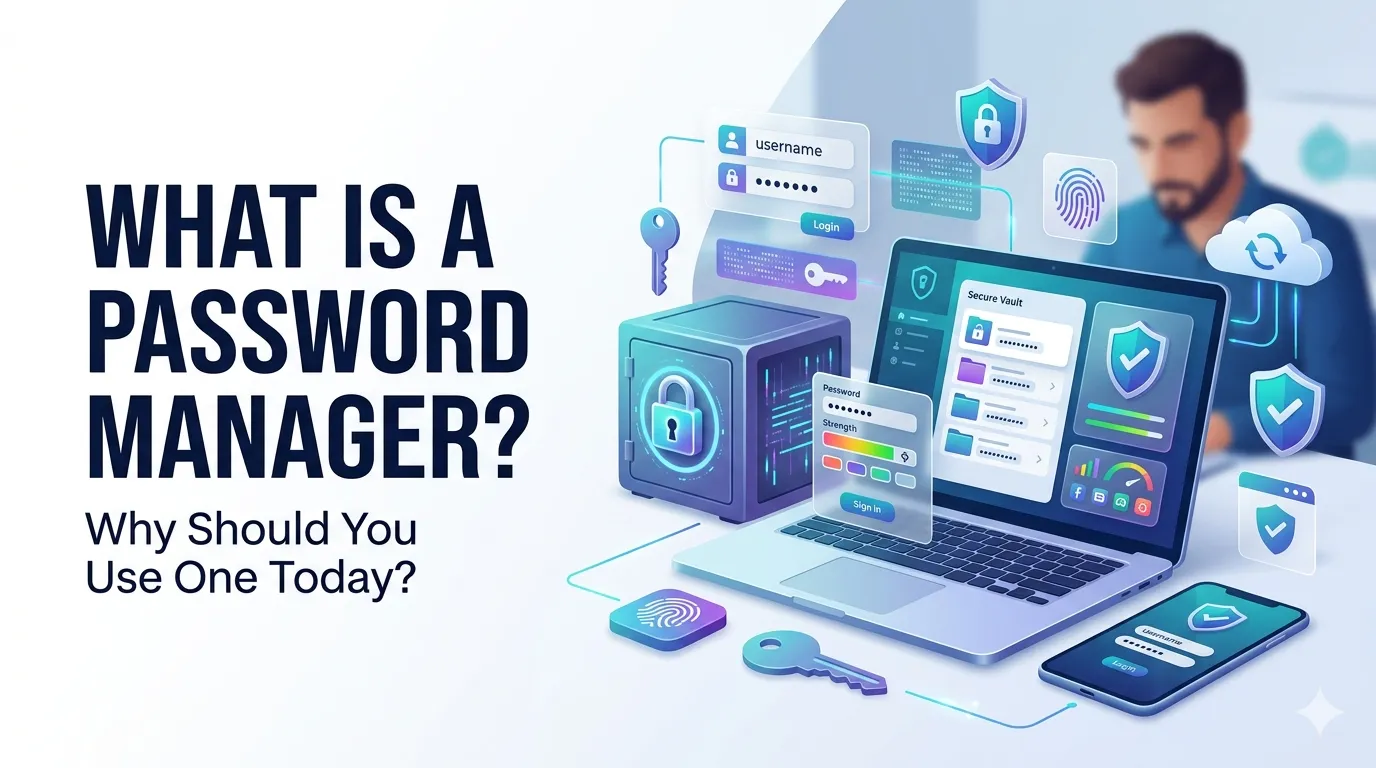
A password manager is a secure app that stores all your passwords behind one master password. It creates strong, unique logins for every site you use and fills them in automatically when you need them.
If you still reuse a few favorite passwords across many sites, this tool is the single biggest security upgrade you can make. This guide explains how it works and how to choose one that fits your life.
What is a password manager in simple words?
What is a password manager? It is a digital vault that stores usernames, passwords, secure notes, and sometimes payment cards. You unlock the vault with one strong master password, and the manager takes care of the rest.
Most password managers also generate strong random passwords for new accounts. They sync across your devices, so the same vault works on phone, laptop, and tablet without manual copying.
Why a password manager beats memory and notebooks
Humans cannot reliably remember unique long passwords for dozens of accounts. So we reuse, simplify, and write things on paper. Each shortcut becomes a security hole that attackers love.
A password manager replaces those shortcuts with one strong habit. Your master password is the only one you need to remember, and you can pair it with biometrics or a hardware key for extra protection.
What a password manager protects you from
- Credential stuffing attacks that reuse leaked passwords
- Phishing sites that mimic real login pages
- Sticky-note theft in shared offices and homes
- Forgotten passwords that force risky resets
How does a password manager work behind the scenes?
Your passwords are encrypted on your device using your master password as the key. The encrypted vault is then synced to the cloud or kept locally, depending on the tool.
When you visit a site, the manager checks the URL and offers to fill in the matching login. Because it checks the URL, it usually refuses to fill on phishing sites, which is a quiet but powerful safety feature.
How to pick a password manager that fits you
- Strong end-to-end encryption with zero-knowledge design
- Browser and mobile apps you actually like using
- Reliable autofill on the sites you use most
- Secure sharing for family or team accounts
- Clear pricing without surprise upgrades for basic features
How to start using a password manager today
Pick a reputable app, create a long master password, and enable multi-factor authentication on the account. Use a password generator inside the app to create strong logins as you update each site.
Start with your most important accounts: email, banking, social, and work. Within a week, you will have replaced the riskiest reused passwords with strong unique ones. Run a quick check with a password strength checker to confirm.
Common myths about password managers
- “They are too complicated” — modern managers are point-and-click simple
- “It is risky to put all passwords in one place” — encryption makes it safer than reuse
- “My browser already saves them” — browser tools rarely match dedicated apps
- “They are expensive” — many strong options include a free tier