
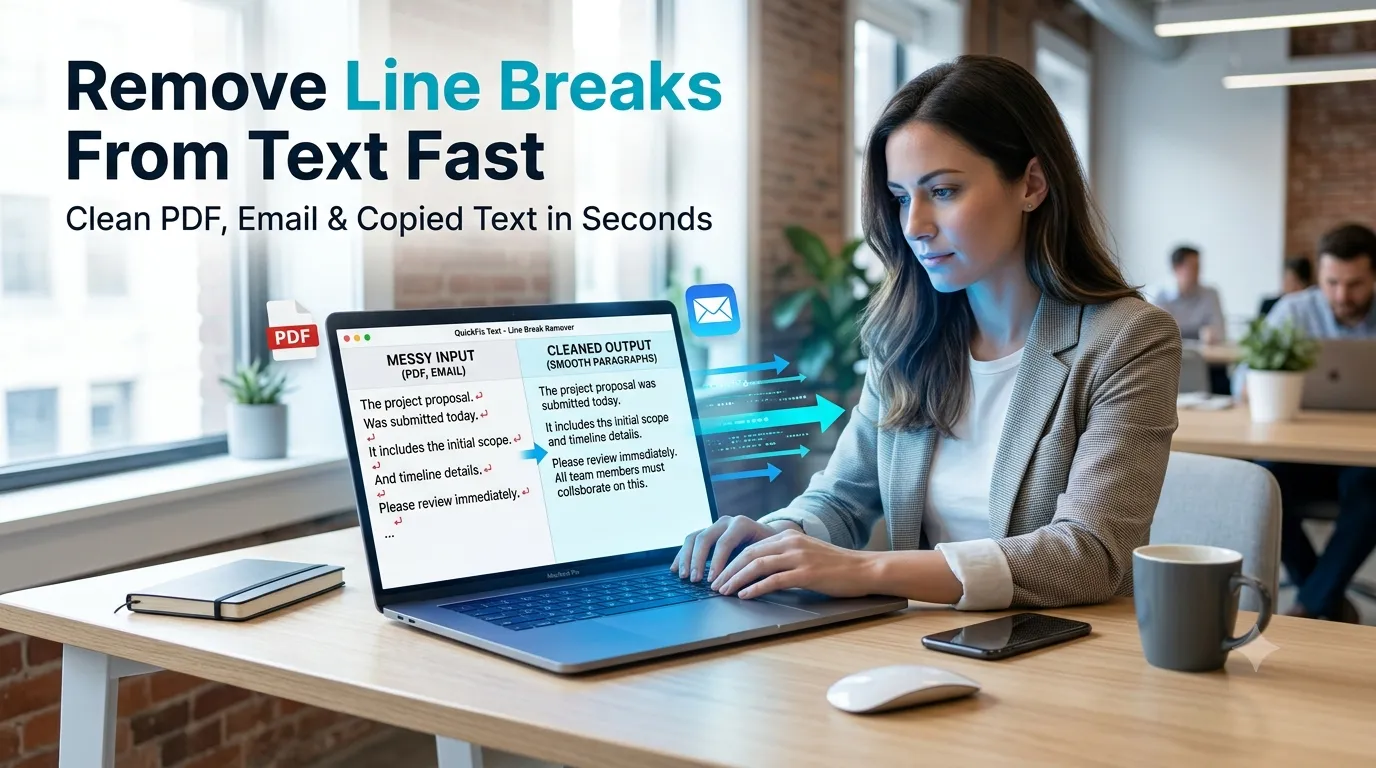
Pasted text from PDFs or emails arriving with messy line breaks everywhere? Learning how to remove line breaks from text cleans up formatting in seconds. Online tools strip unwanted breaks while preserving paragraphs you want kept intact.
This guide walks through the easiest method to remove line breaks from text, explains common formatting issues, and shares pro tips for clean reformatting. By the end, you’ll handle messy text without manual cleanup.p.
Why Random Line Breaks Cause Problems
PDFs paste with breaks at every line end. Emails forward with quotation breaks scattered through. Wikipedia copies bring strange formatting. These unwanted breaks make text look unprofessional and break reading flow.
Furthermore, fixing manually wastes time. Pressing delete hundreds of times to merge lines kills entire afternoons. Online tools strip breaks in seconds while keeping intentional paragraph spacing intact.
Common Line Break Cleanup Uses
- Cleaning PDF copy-paste before reuse
- Fixing email forward formatting
- Preparing pasted text for word processors
- Cleaning scraped data for analysis
- Reformatting code comments into prose
- Preparing text for translation tools
Step-by-Step: Remove Line Breaks Online
Step 1: Open the Tool
Visit our Line Break Remover. Loads instantly.
Step 2: Paste and Configure
Drop messy text in. Pick what to remove. Options usually include all line breaks, single line breaks while keeping paragraphs, or specific break patterns.
Step 3: Copy Cleaned Text
Copy result. Paste cleanly into your destination document. The text now reads as continuous paragraphs without random visual breaks interrupting flow.
Break Removal Options
| Option | Result |
|---|---|
| Remove all breaks | Single continuous string |
| Remove single breaks | Keeps paragraph spacing |
| Replace with spaces | Words flow naturally |
| Custom patterns | Remove specific break sequences |
Privacy When Cleaning Sensitive Text
Pick tools processing text in your browser. Confidential drafts stay on your device. Read each tool’s privacy policy first. Reputable services don’t log content during cleaning operations.
Combining With Other Text Tools
Line break removal fits broader text workflows. Count cleaned text via our Word Counter. Convert case using our Text Case Converter after cleanup.
For paraphrasing cleaned text, use our Paraphrasing Tool. Each step polishes content closer to publication-ready form.
Clean Messy Text in Seconds
Random line breaks make text look unprofessional. With the right tool, cleaning happens in seconds. Whether for PDFs, emails, or scraped content, smart break removal restores readability instantly.
Try our Line Break Remover today. Free, secure, and ready whenever messy text needs quick cleanup.