
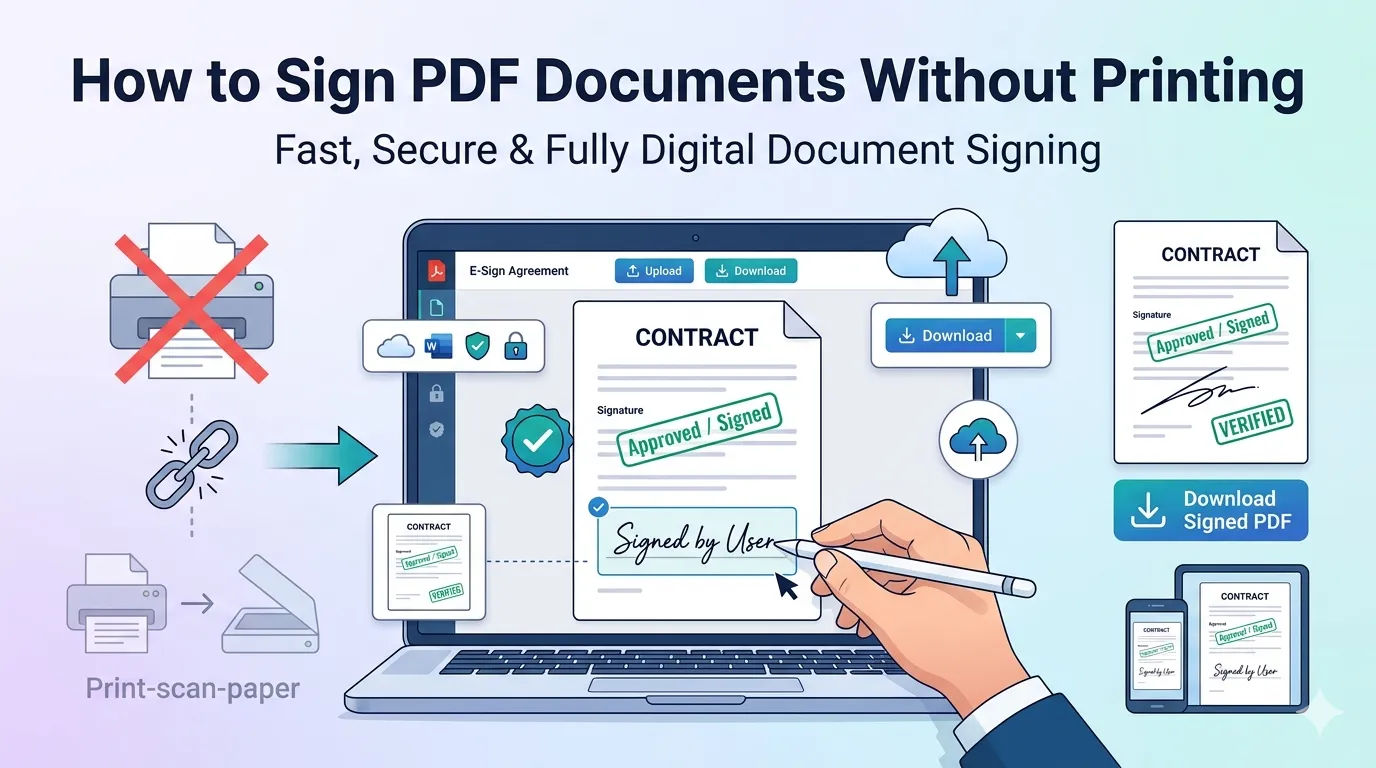
Tired of printing contracts just to sign them, then scanning back into PDF? Learning how to sign PDF documents without printing saves time, paper, and frustration. Digital signatures work everywhere now and look as official as their handwritten counterparts.
This guide explains why digital signing matters, walks through the easiest online method, and shares tips for legal validity. By the end, you’ll sign contracts in seconds wherever you are.
Why Skip the Print-Sign-Scan Cycle?
Traditional signing wastes time everyone needs back. Printing takes minutes. Scanning eats more. Locating ink and paper isn’t always possible when working remotely. Digital signing collapses all of that into one quick action.
Furthermore, digital signatures look cleaner. Scanned documents lose quality with every cycle. PDFs signed natively stay crisp and professional, which matters for client-facing contracts and official documents.
Common Scenarios for Digital Signing
- Signing client contracts from a coffee shop laptop
- Approving vendor agreements from your phone during a commute
- Adding signatures to NDAs before video meetings
- Authorizing internal documents without leaving your desk
- Returning signed offer letters during remote hiring
- Handling rental agreements while traveling
Step-by-Step: Sign PDFs Online
Online signing tools handle the process in seconds. No software installations or specialty pens required. Here’s the fastest workflow.
Step 1: Upload Your PDF
Visit our PDF Sign tool. Drag your contract into the upload zone. The tool accepts standard PDF files including those with form fields.
Step 2: Create Your Signature
Draw your signature with mouse or touchscreen. Alternatively, type your name in a handwriting-style font, or upload an image of your existing signature. Mobile devices work especially well for drawing.
Step 3: Place and Download
Drag the signature to the right spot on the document. Resize as needed. Add date stamps if required. Download the signed PDF and send it back without any printing or scanning.
Are Digital Signatures Legally Valid?
Yes, in most countries digital signatures hold legal weight. The U.S. ESIGN Act recognizes them. The EU eIDAS regulation grants similar validity. India’s IT Act also accepts properly executed digital signatures.
| Region | Governing Law | Digital Signature Status |
|---|---|---|
| United States | ESIGN Act 2000 | Legally valid |
| European Union | eIDAS Regulation | Legally valid |
| United Kingdom | Electronic Communications Act | Legally valid |
| India | IT Act 2000 | Legally valid |
| Canada | PIPEDA | Legally valid |
Types of Digital Signatures Explained
Not every digital signature carries the same weight. Simple drawn signatures work for routine documents. Certificate-based digital signatures verify identity cryptographically, suitable for legal contracts.
Pick based on the contract’s importance. Casual approvals work with basic signatures. High-value or legally binding agreements may benefit from certificate-based signing through dedicated platforms.
Tips for Professional Digital Signing
A few habits make your signature look clean. First, draw on a touchscreen or tablet when possible. Mouse signatures often look shaky and unprofessional.
Second, save a reusable signature image once you’ve drawn one you like. Upload it for future signing instead of redrawing every time. Third, always include a typed name and date alongside the signature.
Common Mistakes to Avoid
- Signing in the wrong place: Always check signature lines before placing
- Using an unrecognizable scribble: Make signatures recognizable as yours
- Forgetting the date: Add it manually if no field exists
- Not saving the signed file: Always download a final copy
- Mobile vs desktop mismatches: Test signatures look consistent across devices
Privacy When Signing Sensitive Contracts
Contracts carry confidential terms. Pick signing tools that process files in your browser. Documents and signatures never reach external servers, keeping sensitive business deals private.
Always check privacy policies. Reputable tools delete files within an hour. Avoid services requiring account creation for one-off signing or storing signatures long-term without your explicit permission.
After Signing: Completing the Workflow
Signed documents often need more processing. Compress large signed contracts using our PDF Compressor. Add password protection with our PDF encryption tool for extra security.
Bundle related documents using the PDF Merger. For long-term archives, mark signed copies with our PDF Watermark tool showing “Executed” or completion status.
When Print-and-Sign Still Makes Sense
Some situations still favor traditional signing. Notarized documents often need wet ink. Court submissions sometimes require physical signatures. Older institutions occasionally insist on printed copies.
Check requirements before choosing. Most modern businesses now accept digital signatures freely. For exceptions, you’ll typically learn upfront whether physical copies are mandatory.
Sign Documents Without Leaving Your Chair
Printing, signing, and scanning belongs in the past. Digital signing closes contracts in seconds without paper, ink, or scanners. Whether you’re remote, traveling, or just busy, the right tool keeps your deals moving forward.
Try our PDF Sign tool today. Free, secure, and ready whenever a contract needs your signature without slowing you down.